

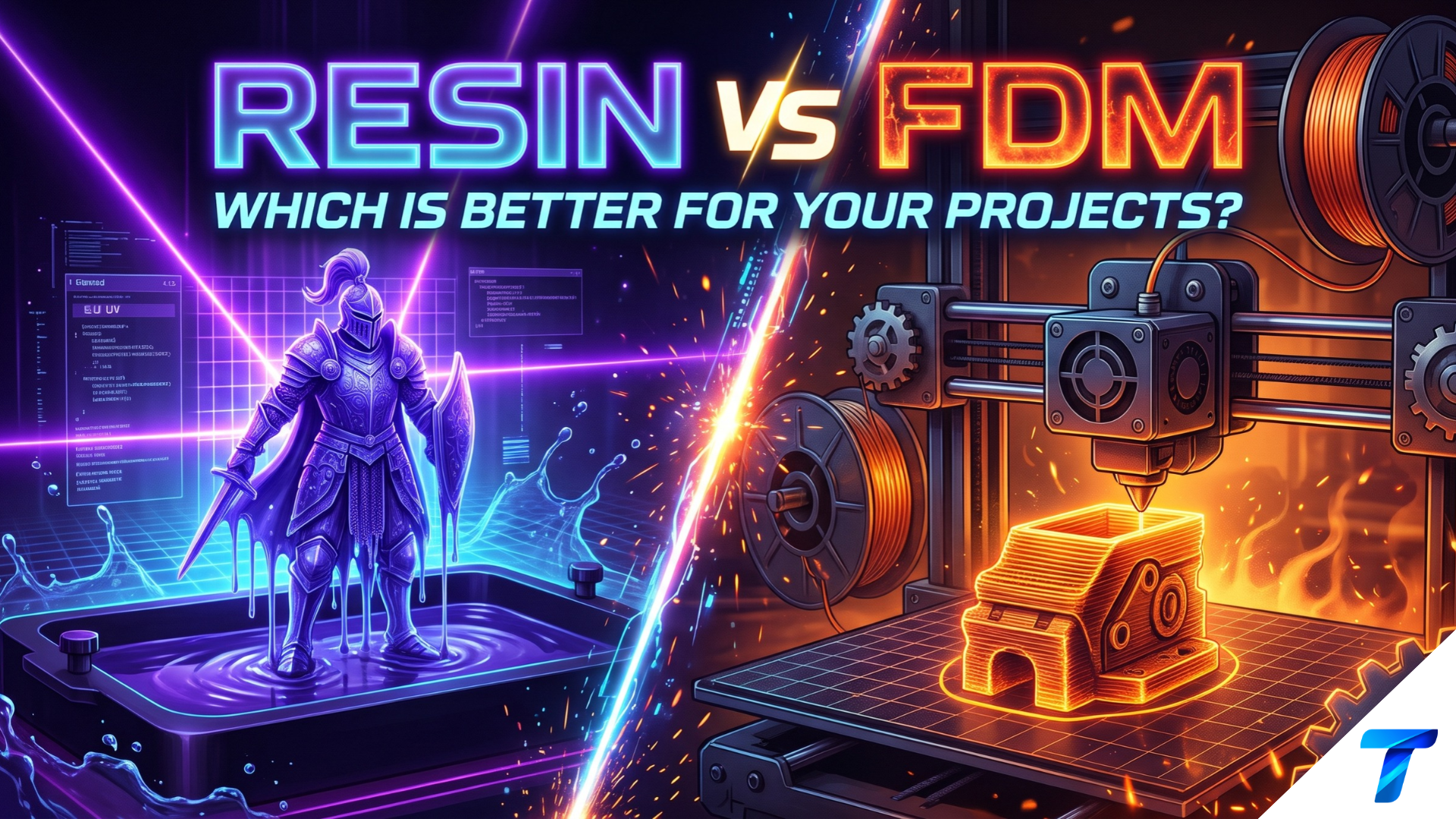

Resin printers cure liquid photopolymer with UV light and produce surface detail that filament printers can’t match. FDM printers melt plastic filament and build larger, tougher, cheaper parts with far less cleanup. Neither technology is better overall. The right choice depends on part size, required detail, mechanical load, and how much mess you’ll tolerate.
Quick Takeaways
- Choose resin for miniatures, jewelry masters, dental models, and any part where 25-50 µm detail matters.
- Choose FDM for functional parts, large prints, and low running costs. Filament runs about $15-25/kg.
- Resin needs post-processing: a wash (IPA), a UV cure, gloves, and ventilation. FDM needs almost none.
- Beginners get the smoothest start with FDM. Detail-focused hobbyists should add resin as a second machine.
| Factor | Resin (MSLA/SLA) | FDM |
|---|---|---|
| Surface detail | Excellent | Moderate |
| Typical layer height | 0.025-0.1 mm | 0.08-0.4 mm |
| Build volume | Small to medium | Small to very large |
| Part toughness | Brittle (standard resins) | Strong (PETG, ABS, nylon) |
| Running cost | Higher | Lower |
| Post-processing | Heavy | Light |
| Safety overhead | High | Low |
How Each Technology Works
FDM: Melted Plastic, Layer by Layer
Fused Deposition Modeling pushes thermoplastic filament through a heated nozzle (typically 0.4 mm). The nozzle traces each layer on a heated bed. Each layer cools and bonds to the one below.
Modern CoreXY machines print at 200-500 mm/s with acceleration above 10,000 mm/s². Dimensional accuracy typically lands around ±0.1-0.3 mm on a well-tuned printer.
Resin: Light-Cured Liquid
Resin printing (MSLA on most hobby machines, SLA with a laser on professional ones) cures photopolymer with 405 nm UV light. An LCD masks the light so an entire layer cures at once. A build plate pulls the part up out of the vat after each layer.
Layer exposure doesn’t depend on part complexity. Ten miniatures on the plate cost the same print time as one. Vertical speed typically runs 20-60 mm/h, and newer machines go faster.
Resin vs FDM: Head-to-Head Comparison
Print Quality and Detail
Resin wins this category by a wide margin. XY resolution on current 8K-class LCD printers is about 18-30 µm. An FDM printer is limited by nozzle diameter, so the finest practical feature is around 0.4 mm (smaller with a 0.2 mm nozzle).
| Quality Metric | Resin | FDM |
|---|---|---|
| XY resolution | 18-50 µm | ~400 µm (nozzle-limited) |
| Layer lines | Nearly invisible | Visible, sanding needed |
| Fine text/small features | Crisp | Soft or lost below 0.5 mm |
| Overhangs/supports | Tiny contact points | Larger scarring |
| Accuracy | ±0.05 mm | ±0.1-0.3 mm |
FDM compensates with predictable dimensional behavior on large, simple shapes. Resin shrinks slightly during cure, and thin parts can warp if the orientation is wrong.
Strength and Durability
Standard photopolymer resin is hard but brittle. It snaps under impact where PETG or nylon flexes. Engineering resins (ABS-like, tough, flexible) narrow the gap but cost more and still age under UV and heat.
FDM parts are anisotropic: they’re weaker between layers than along them. Orient load paths along the layers and use 3-4 walls with 25-40% gyroid infill for solid functional parts.
| Property | Standard Resin | Tough/ABS-Like Resin | PLA | PETG | ABS/ASA | Nylon (PA) |
|---|---|---|---|---|---|---|
| Impact resistance | Low | Medium | Low | Medium-High | High | Very High |
| Heat resistance | ~50-60°C | ~60-80°C | ~55°C | ~75°C | ~95-100°C | ~80-120°C |
| Flexibility | Rigid | Semi-rigid | Rigid | Slight flex | Slight flex | Flexible |
| Ease of printing | Moderate | Moderate | Easy | Easy | Hard | Hard |
Build Volume and Speed
FDM scales up easily. Many printers offer 250-350 mm cubes, and large-format machines go beyond 400 mm. Resin printers typically top out around 220 × 125 × 220 mm for hobby models, though larger vats exist at higher prices.
Resin wins on batch throughput. A full plate of small parts can finish in the time one FDM print of a large part takes.
Running Costs
Printer prices overlap. Capable machines of both types start around $200-400. The gap opens in consumables and accessories.
| Cost Item | Resin | FDM |
|---|---|---|
| Material | $25-50/L (standard) | $15-25/kg spool |
| Wash station / IPA | $60-150 + ongoing IPA | Not needed |
| Cure station | $40-120 | Not needed |
| FEP film / LCD screen | Replacement every few months | Nozzles ~$1-10 |
| Gloves, filters, wipes | Ongoing | Minimal |
| Failed print waste | Costly (resin + cleanup) | Cheap (a bit of filament) |
Post-Processing and Workflow
An FDM print comes off the bed, you snip the brim or supports, and you’re done. Resin prints require a full process:
- Remove the print from the plate with a scraper.
- Wash in 90%+ isopropyl alcohol for 3-5 minutes (or use water-washable resin with water).
- Dry completely.
- Cure under 405 nm UV for 2-10 minutes, depending on resin and part thickness.
- Remove supports (easier before the final cure for most resins).
Skipping the cure leaves the surface tacky and weak. Over-curing makes parts more brittle.
Safety and Environment
Uncured resin is a skin sensitizer. Repeated contact can trigger an allergic reaction that never goes away. Wear nitrile gloves, work in a ventilated space, and dispose of liquid waste properly. Cure leftover resin in sunlight or a UV chamber before throwing it out. Never pour it down a drain.
FDM has lower risk, but not zero. ABS and ASA release VOCs and ultrafine particles, so print them in an enclosure with ventilation or filtration.
Which Printer for Which Material?
| Material Type | Technology | Typical Settings |
|---|---|---|
| PLA | FDM | 190-220°C nozzle, 50-60°C bed |
| PETG | FDM | 230-250°C nozzle, 70-85°C bed |
| ABS/ASA | FDM | 240-260°C nozzle, 90-110°C bed, enclosed |
| TPU | FDM | 210-230°C nozzle, slow (20-40 mm/s) |
| Standard resin | Resin | 2-3 s normal exposure (0.05 mm layers) |
| Tough/engineering resin | Resin | Per manufacturer profile |
| Water-washable resin | Resin | Per manufacturer profile |
Resin exposure times vary by printer, LCD, and resin brand. Treat these as starting points and run an exposure calibration print (such as a RERF or Cones of Calibration test) for every new resin.
Technical Setup: Getting Clean First Prints
FDM Start G-code (Marlin)
This minimal start sequence homes, heats, and primes the nozzle:
M140 S60        ; set bed temp (non-blocking)
M104 S200       ; set nozzle temp (non-blocking)
G28             ; home all axes
G29             ; auto bed leveling (if supported)
M190 S60        ; wait for bed
M109 S200       ; wait for nozzle
G92 E0          ; reset extruder
G1 Z2.0 F3000   ; lift nozzle
G1 X10.1 Y20 Z0.28 F5000.0  ; move to start of purge line
G1 X10.1 Y200.0 Z0.28 F1500.0 E15  ; draw purge line
G92 E0          ; reset extruder again
Tune hotend PID once per machine. It stabilizes temperature and prevents layer-quality drift:
M303 E0 S200 C8   ; autotune hotend at 200°C, 8 cycles
M500              ; save settings to EEPROM
Resin Setup Checklist
- Level the build plate with the paper method, then lock it down.
- Warm the resin to 25-30°C. Cold resin causes failed adhesion.
- Set bottom layers to 5-8 with 20-35 s exposure, then follow the resin maker’s normal-layer exposure.
- Orient the model at 30-45° so layer cross-sections stay small and suction forces drop.
- Hollow large models and add drain holes to save resin and reduce stress.
Real-World Use Cases
Where Resin Wins
- Tabletop miniatures and figurines: skin texture, armor edges, and facial detail print cleanly at 28-35 µm.
- Jewelry masters: castable resin burns out cleanly for lost-wax casting.
- Dental and orthodontic models: tight tolerances and smooth surfaces suit clear aligner molds and surgical guides (with certified resins).
- Product prototypes for looks: smooth, paintable surfaces for design reviews.
- Small mechanical parts: tiny gears and fittings with fine tolerances.
Where FDM Wins
- Functional brackets and enclosures: PETG and ASA handle load, heat, and sunlight.
- Jigs, fixtures, and tooling: cheap, fast, and easy to reprint when design changes.
- Large cosplay props and costume armor: big build volumes and light infill.
- Outdoor and automotive parts: UV-stable ASA and heat-tolerant nylon blends.
- Flexible parts: TPU gaskets, grips, and vibration dampers.
Many Shops Run Both
Product designers often prototype fit and function on FDM, then print a high-detail resin version for stakeholders and marketing photos. If your budget allows only one machine, choose by your most common project. If your work is split, start with FDM and add resin later.
Decision Guide: Which Should You Buy?
| If You Need… | Pick |
|---|---|
| Miniatures, figurines, detailed art | Resin |
| Strong, functional, mechanical parts | FDM |
| Large models (over 250 mm) | FDM |
| Smooth surface with little sanding | Resin |
| Low running cost, minimal fuss | FDM |
| Kid-friendly or shared-space use | FDM |
| Jewelry casting or dental work | Resin |
| First 3D printer, general learning | FDM |
Frequently Asked Questions
Is resin 3D printing better than FDM?
Resin is better for detail and surface finish. FDM is better for strength, size, cost, and ease of use. Choose based on the project, not the technology’s reputation.
Is resin or FDM stronger?
FDM prints made from PETG, ABS, or nylon are generally tougher and more impact-resistant than parts from standard resin. Standard resin is hard but brittle. Tough and ABS-like resins close some of the gap.
Is resin 3D printing safe to use at home?
Yes, with precautions. Wear nitrile gloves, use a ventilated space, avoid skin contact with liquid resin, and fully cure all waste before disposal. Keep resin away from kids and pets. FDM is safer for shared living spaces.
Which is cheaper, resin or FDM 3D printing?
FDM is cheaper to run. Filament costs less per part, and there’s no wash or cure equipment. Resin adds IPA, gloves, FEP film replacements, and a cure station, plus higher waste when prints fail.


