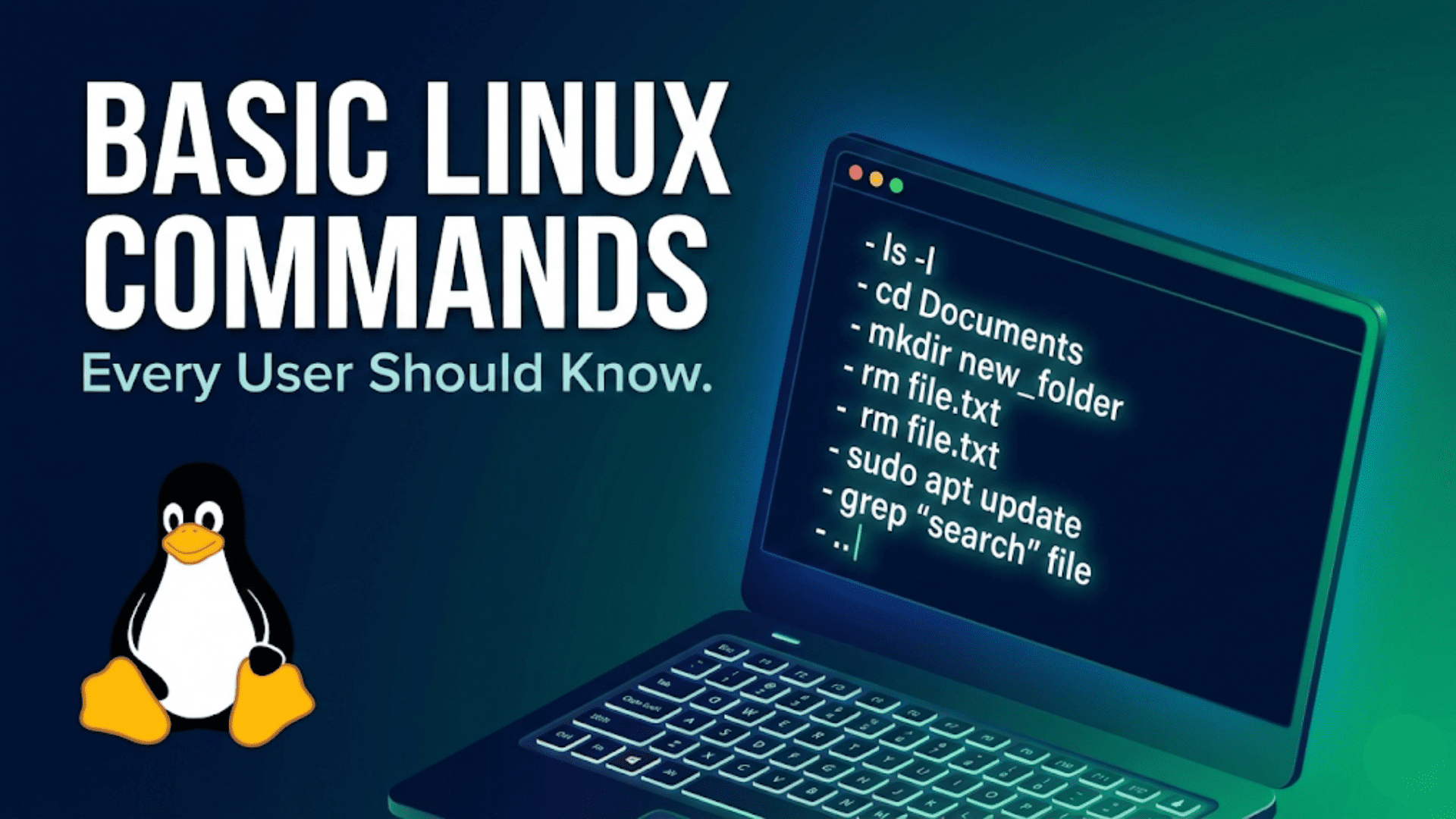
Basic Linux Commands Every User Should Know
Learn the essential basic Linux commands every user needs — from navigating directories to managing…
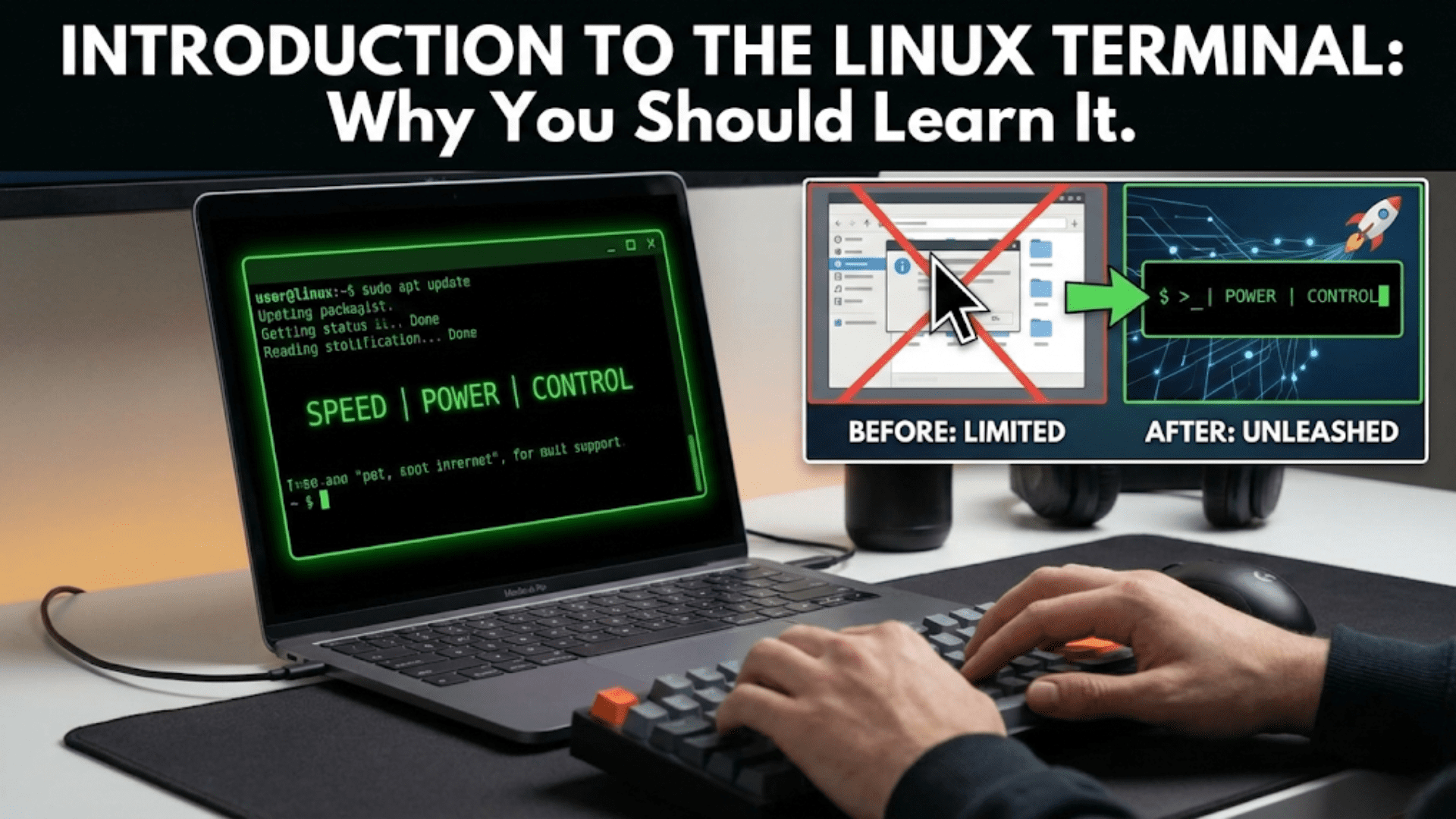
Introduction to the Linux Terminal: Why You Should Learn It
Discover what the Linux terminal is, why it’s more powerful than graphical interfaces, and how…
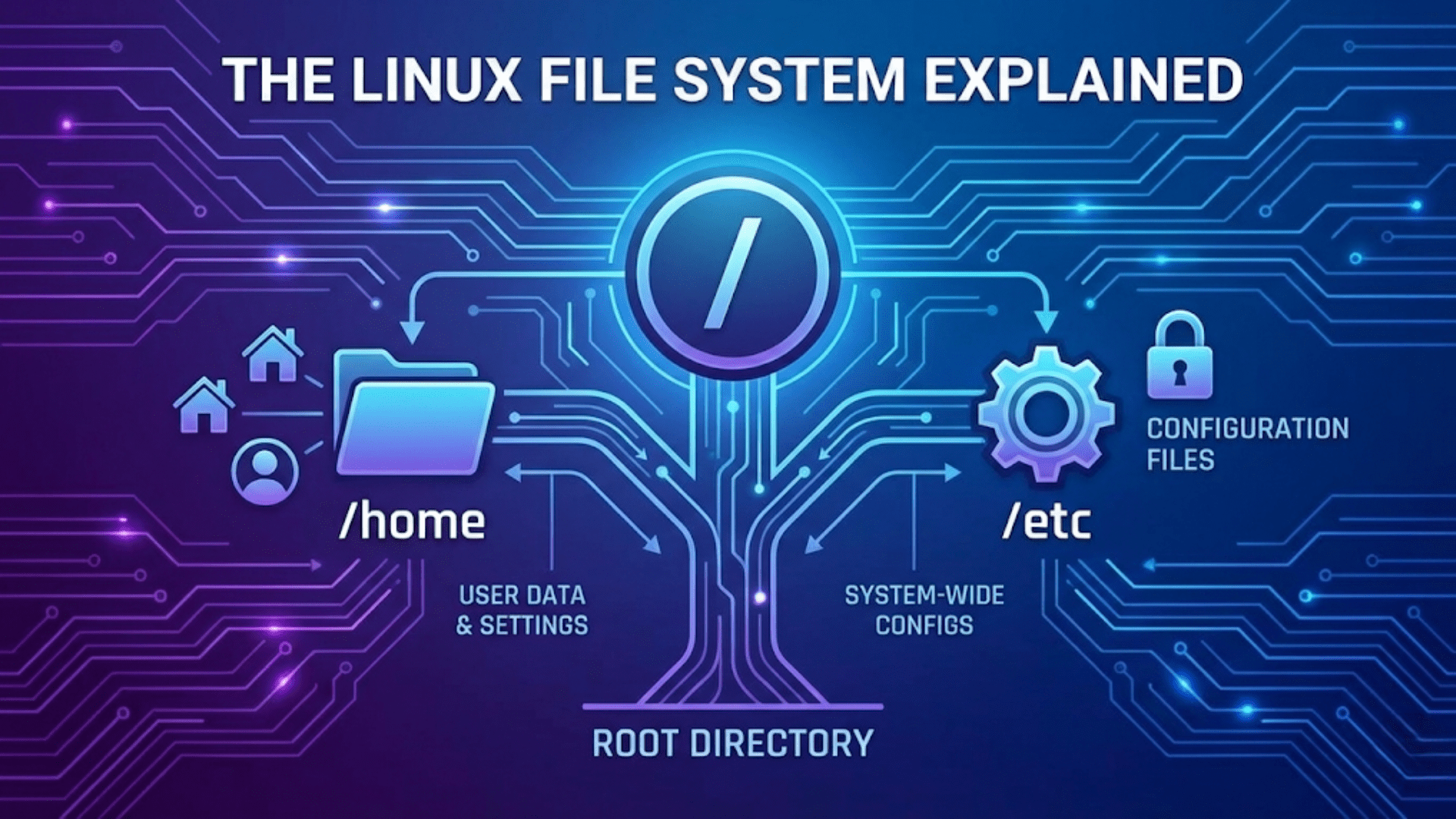
The Linux File System Explained: Understanding /, home, and etc
Confused by the Linux file system? Learn what every major directory does — from root…
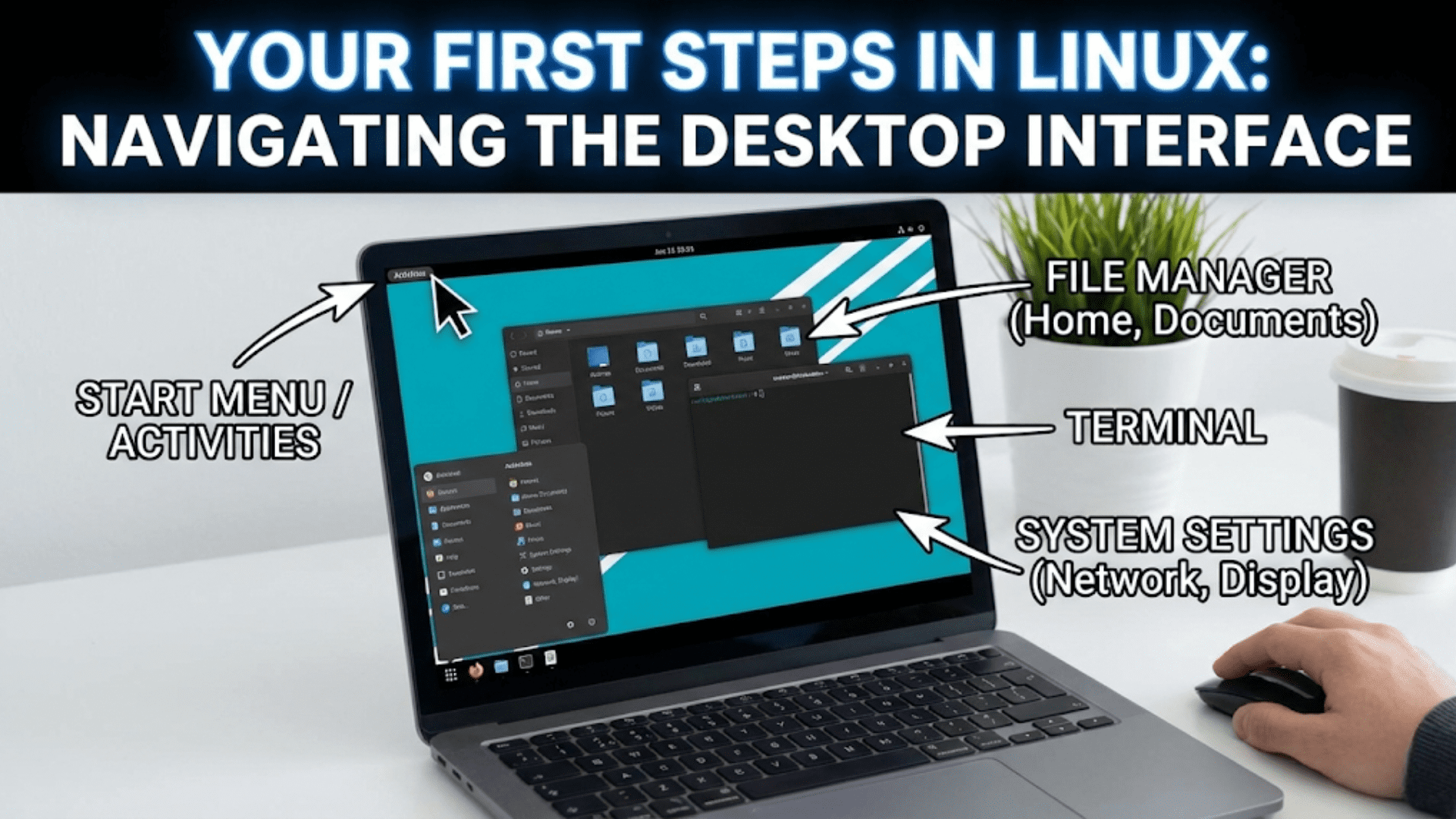
Your First Steps in Linux: Navigating the Desktop Interface
Just installed Linux? Learn how to navigate the Linux desktop interface, find applications, manage files,…
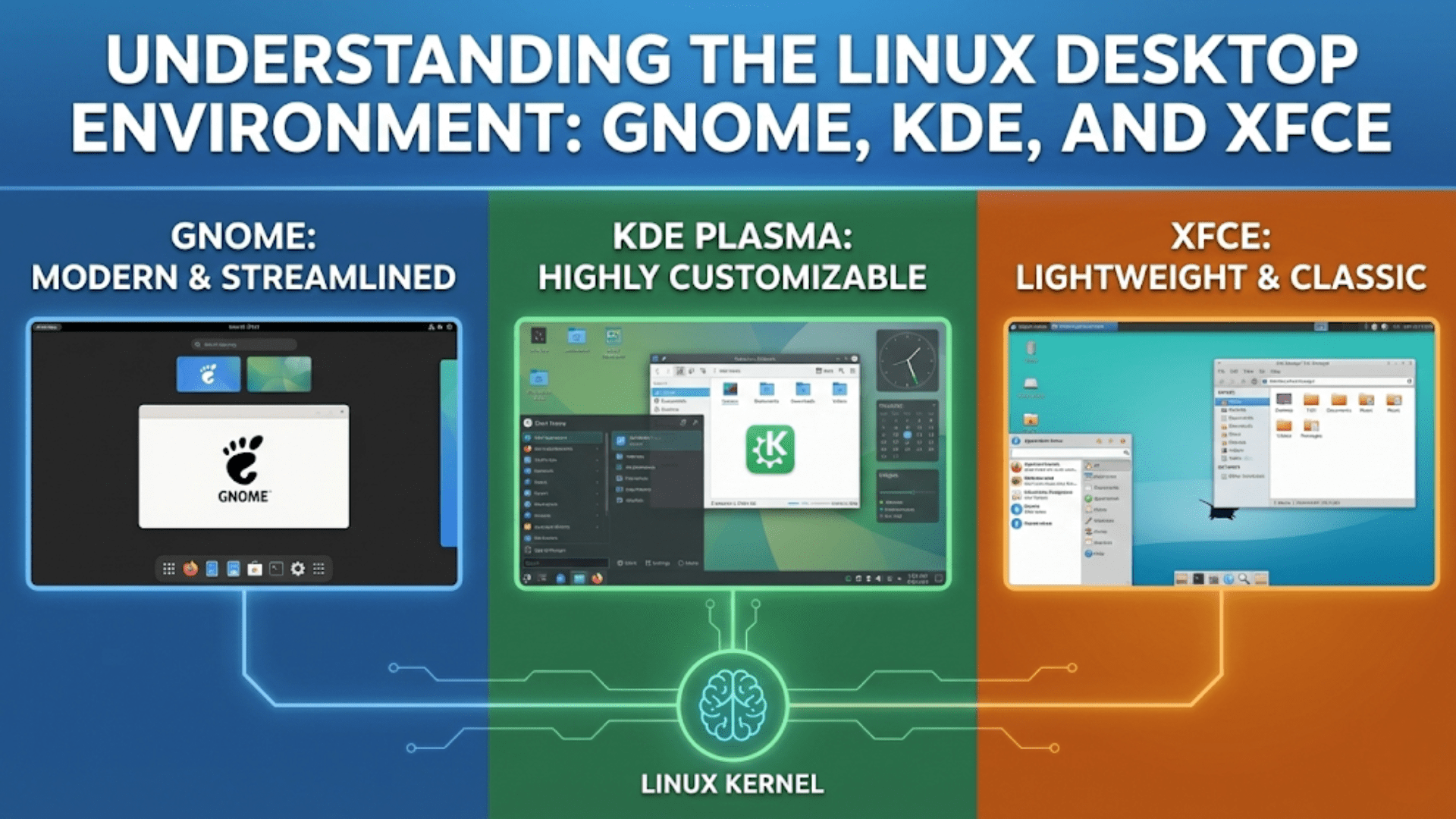
Understanding the Linux Desktop Environment: GNOME, KDE, and XFCE
Discover the differences between GNOME, KDE, and XFCE Linux desktop environments. Learn which one suits…
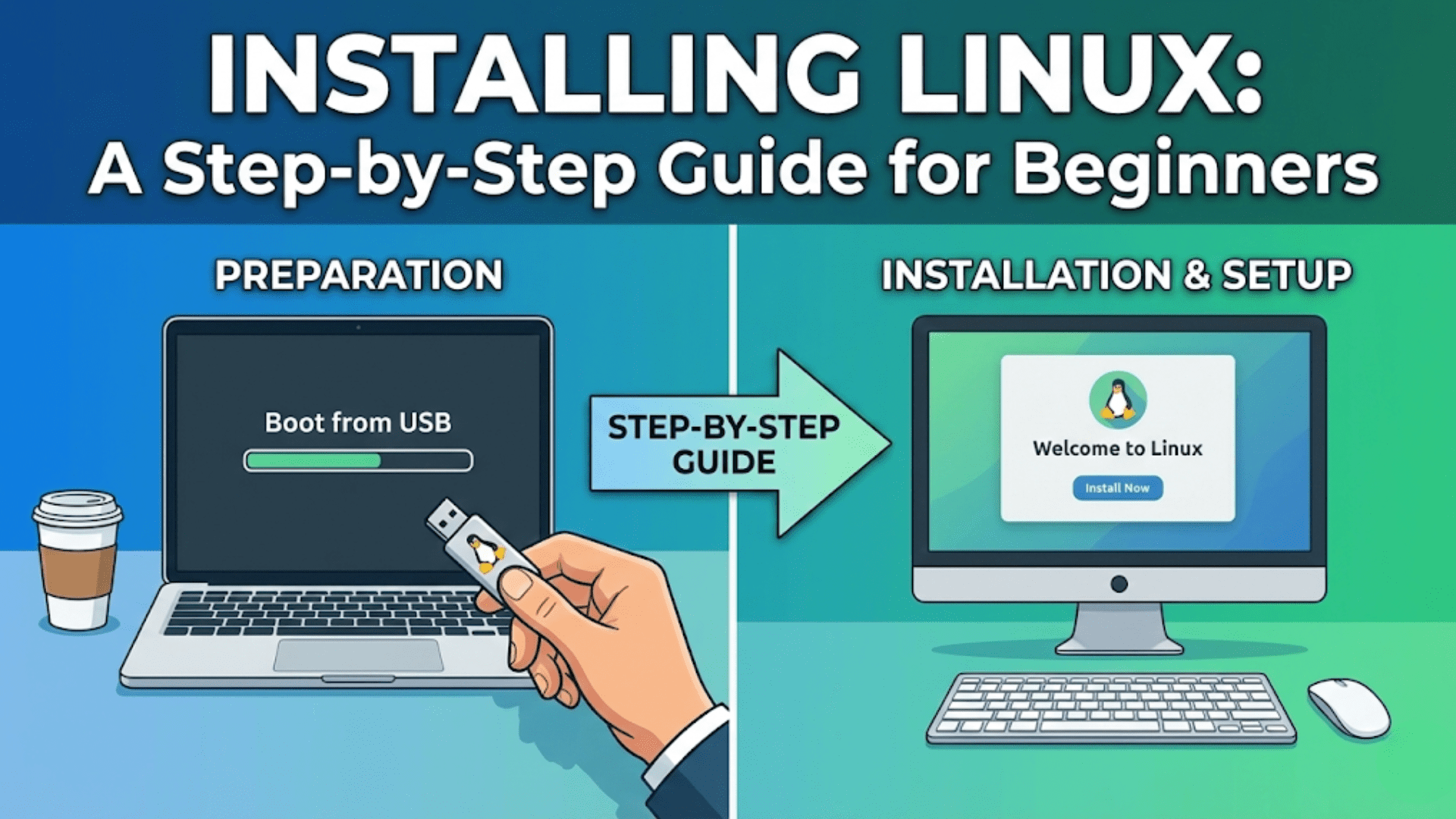
Installing Linux: A Step-by-Step Guide for Beginners
Ready to install Linux? This beginner-friendly step-by-step guide covers everything from partitioning to first boot…
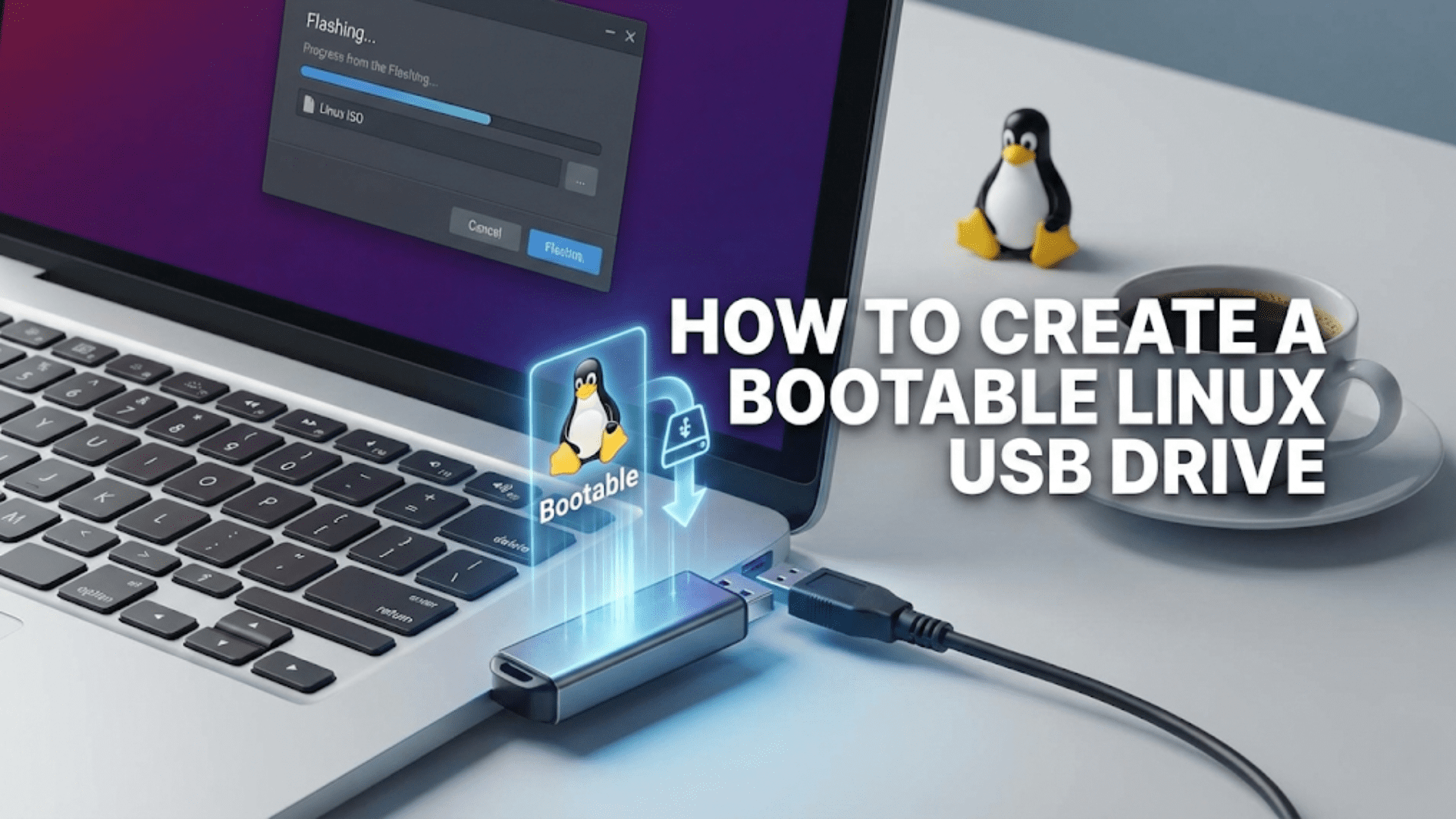
How to Create a Bootable Linux USB Drive
Learn how to create a bootable Linux USB drive on Windows, macOS, and Linux using…

Choosing Your First Linux Distribution: Ubuntu, Mint, or Fedora?
Not sure which Linux distro to start with? Compare Ubuntu, Linux Mint, and Fedora side…
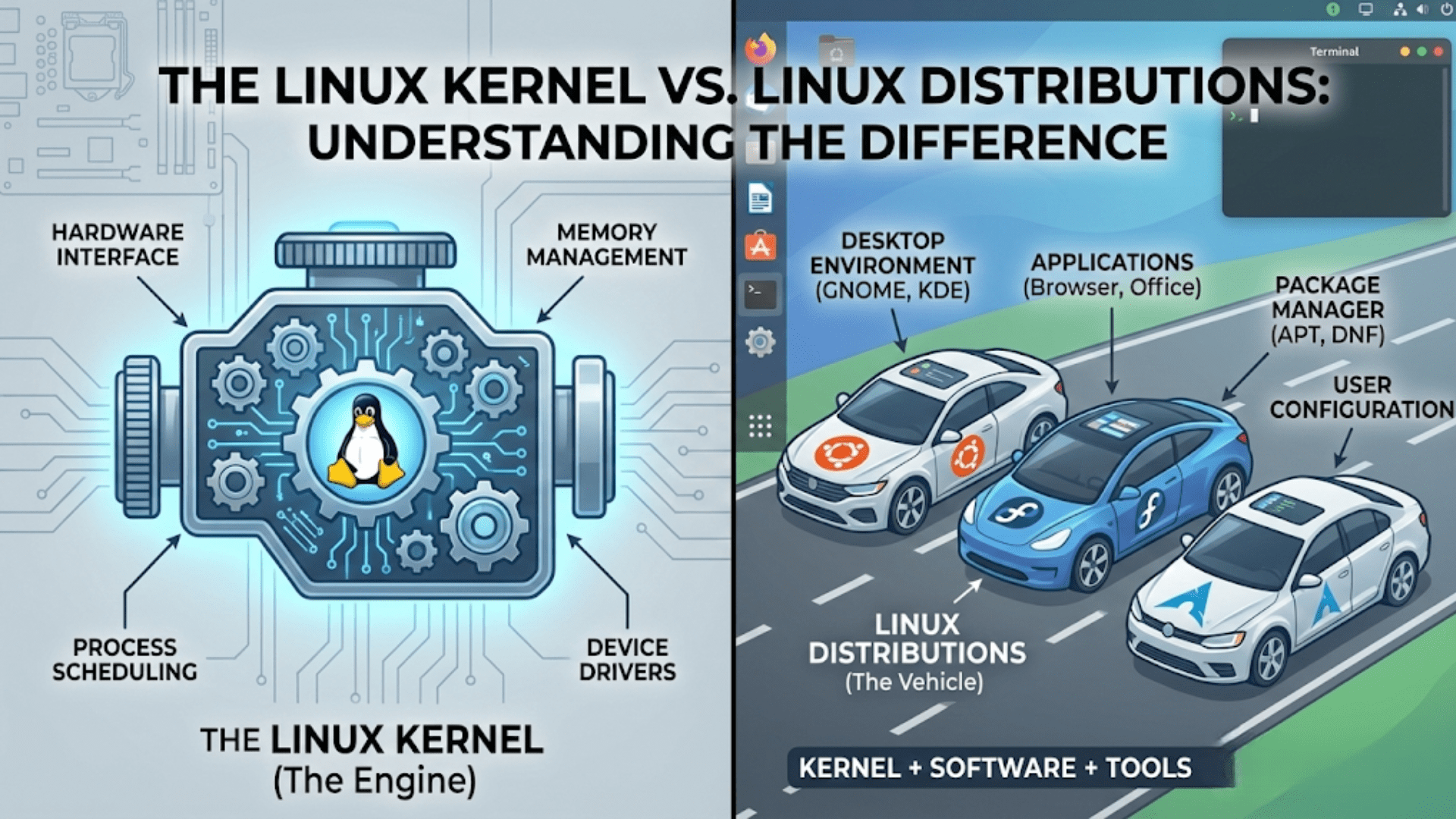
The Linux Kernel vs. Linux Distributions: Understanding the Difference
Learn the key difference between the Linux kernel and Linux distributions, how they work together,…
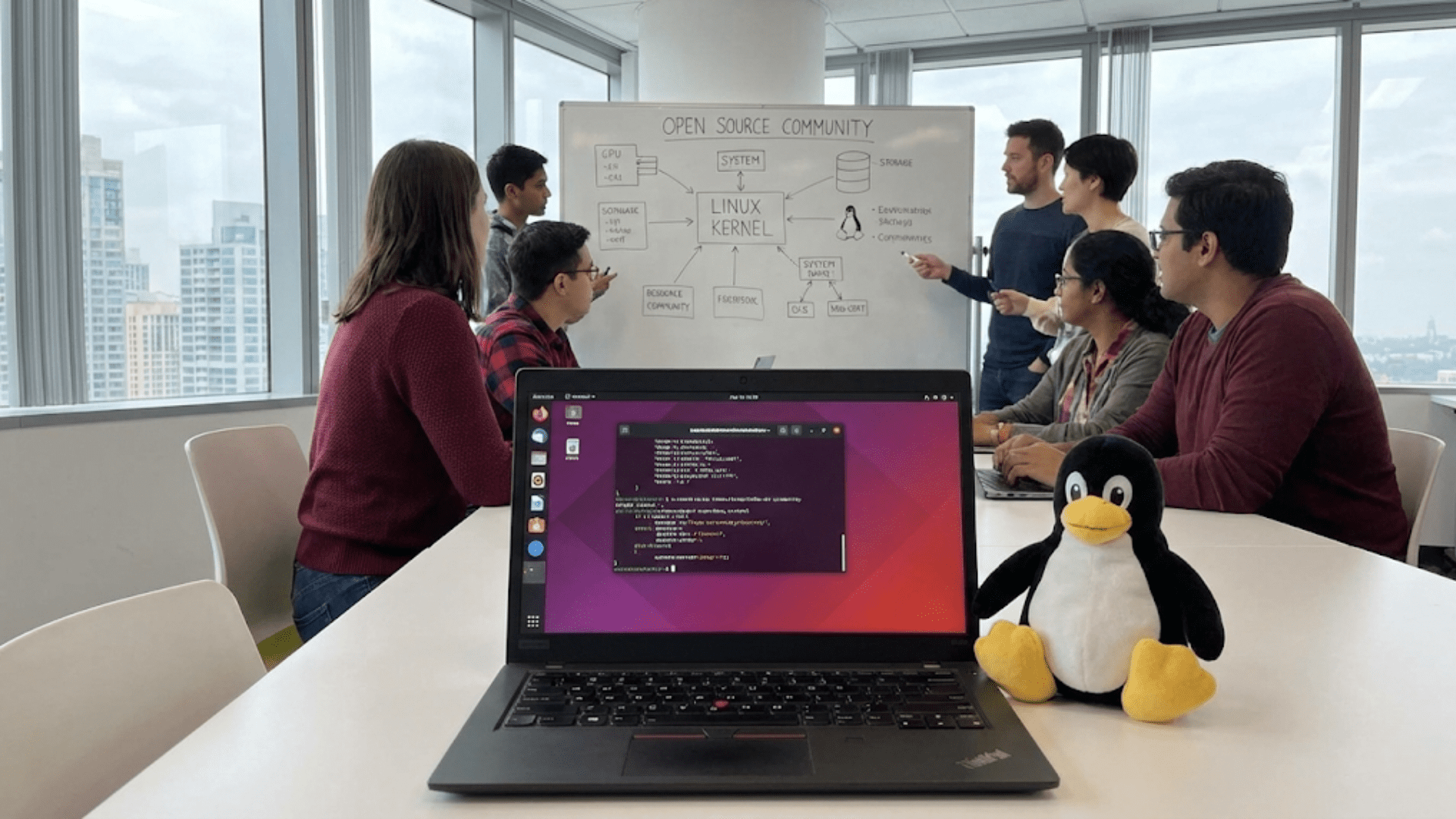
What Is Linux? Understanding the Open Source Operating System
Discover what Linux is, how the open source operating system works, its history, distributions, and…
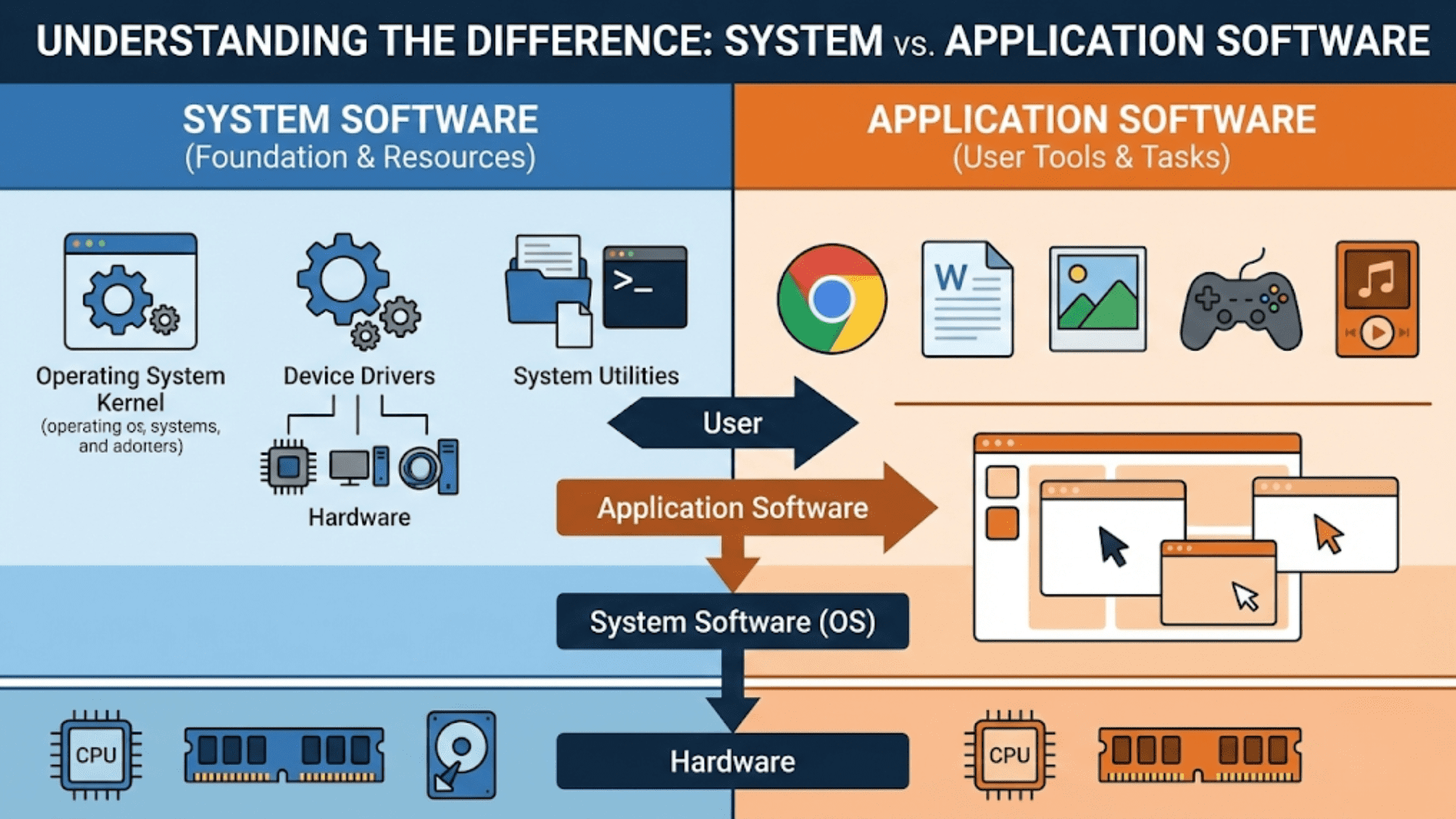
Understanding the Difference Between System Software and Application Software
Learn the key differences between system software and application software, how they interact, and why…
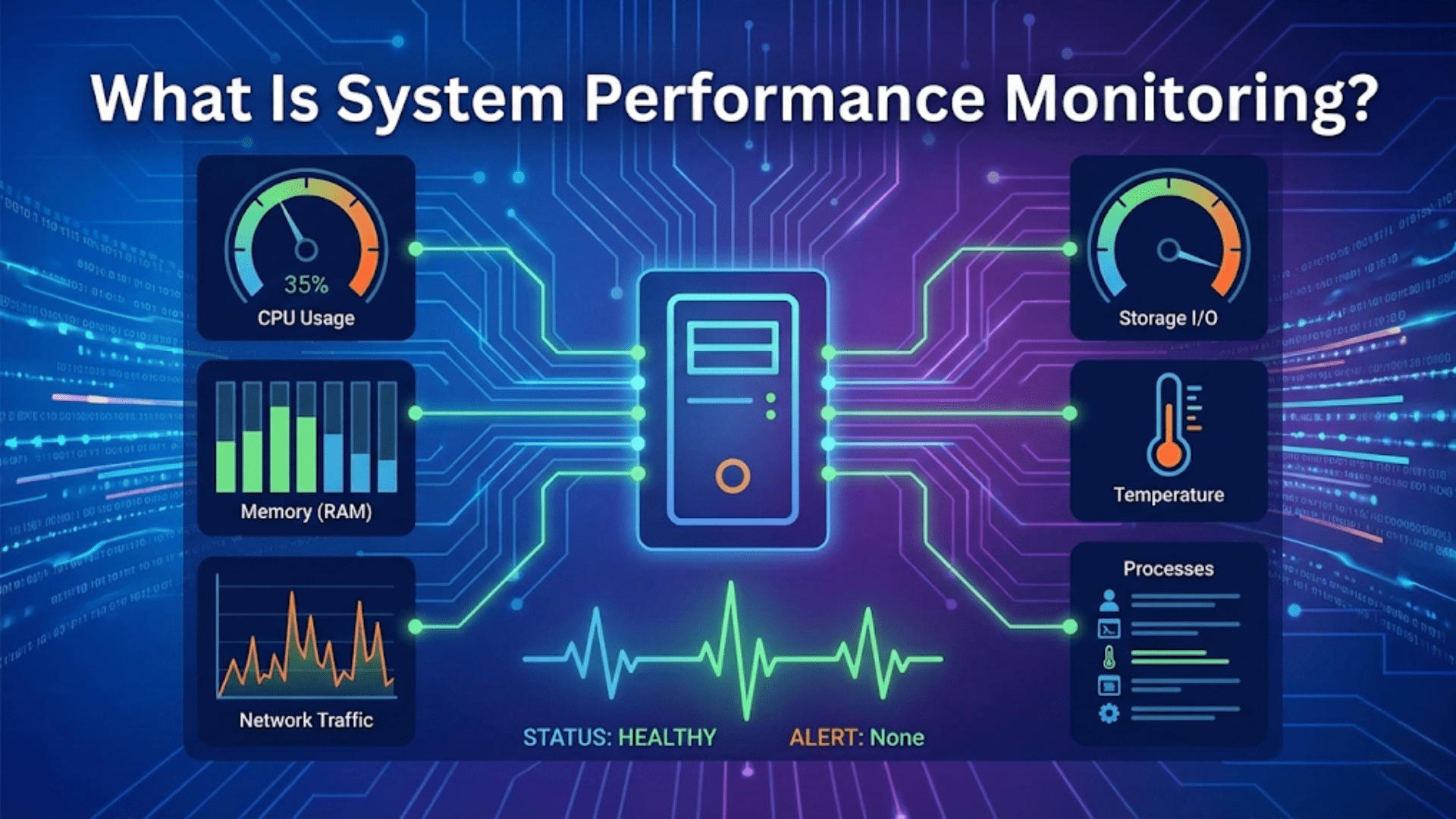
What Is System Performance Monitoring?
Learn what system performance monitoring is, which metrics matter, how operating systems track CPU, memory,…
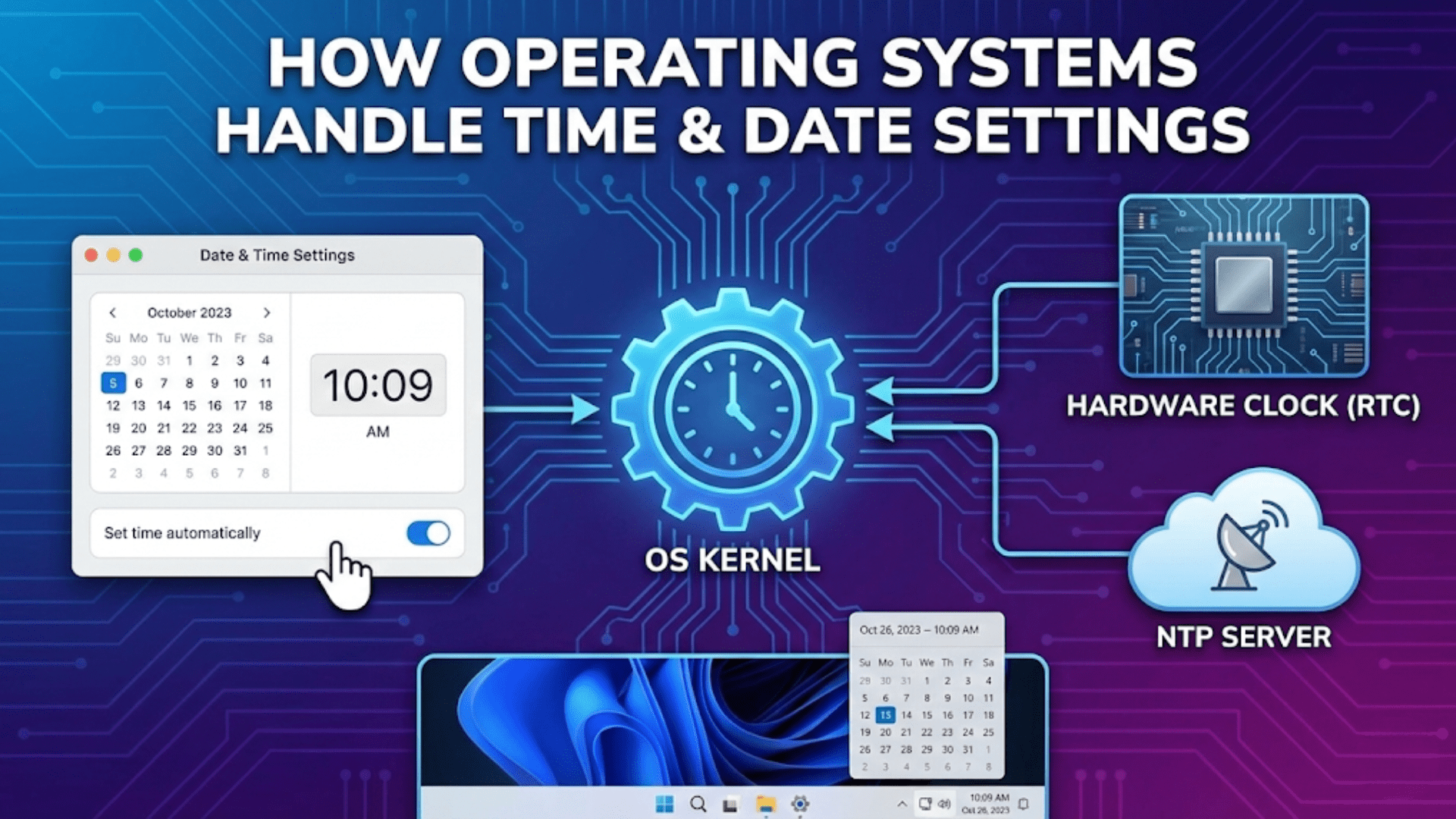
How Operating Systems Handle Time and Date Settings
Learn how operating systems manage system time, date synchronization, time zones, and NTP. Complete guide…
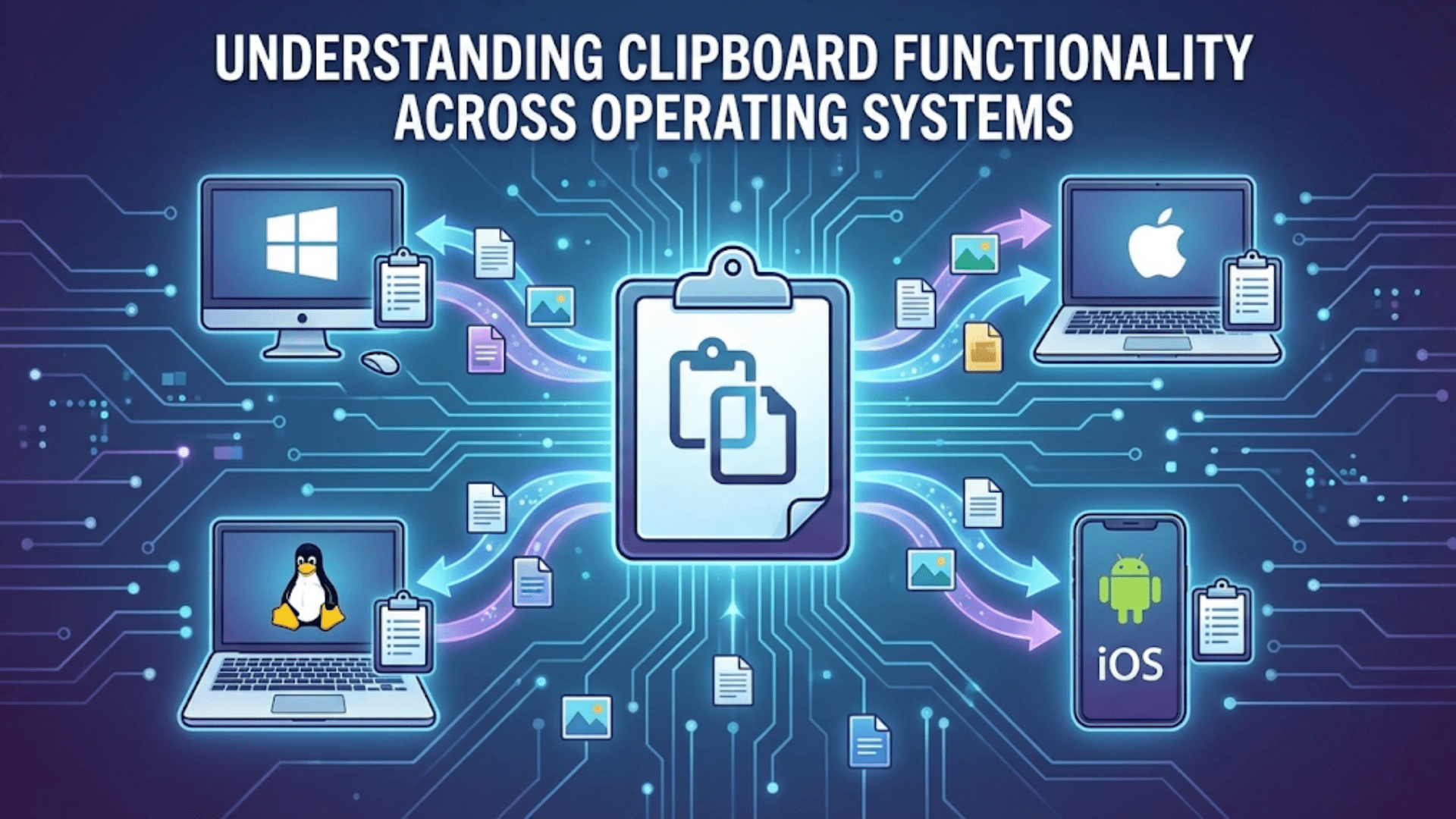
Understanding Clipboard Functionality Across Operating Systems
Learn how clipboard functionality works across Windows, macOS, and Linux. Complete guide to copy-paste mechanics,…
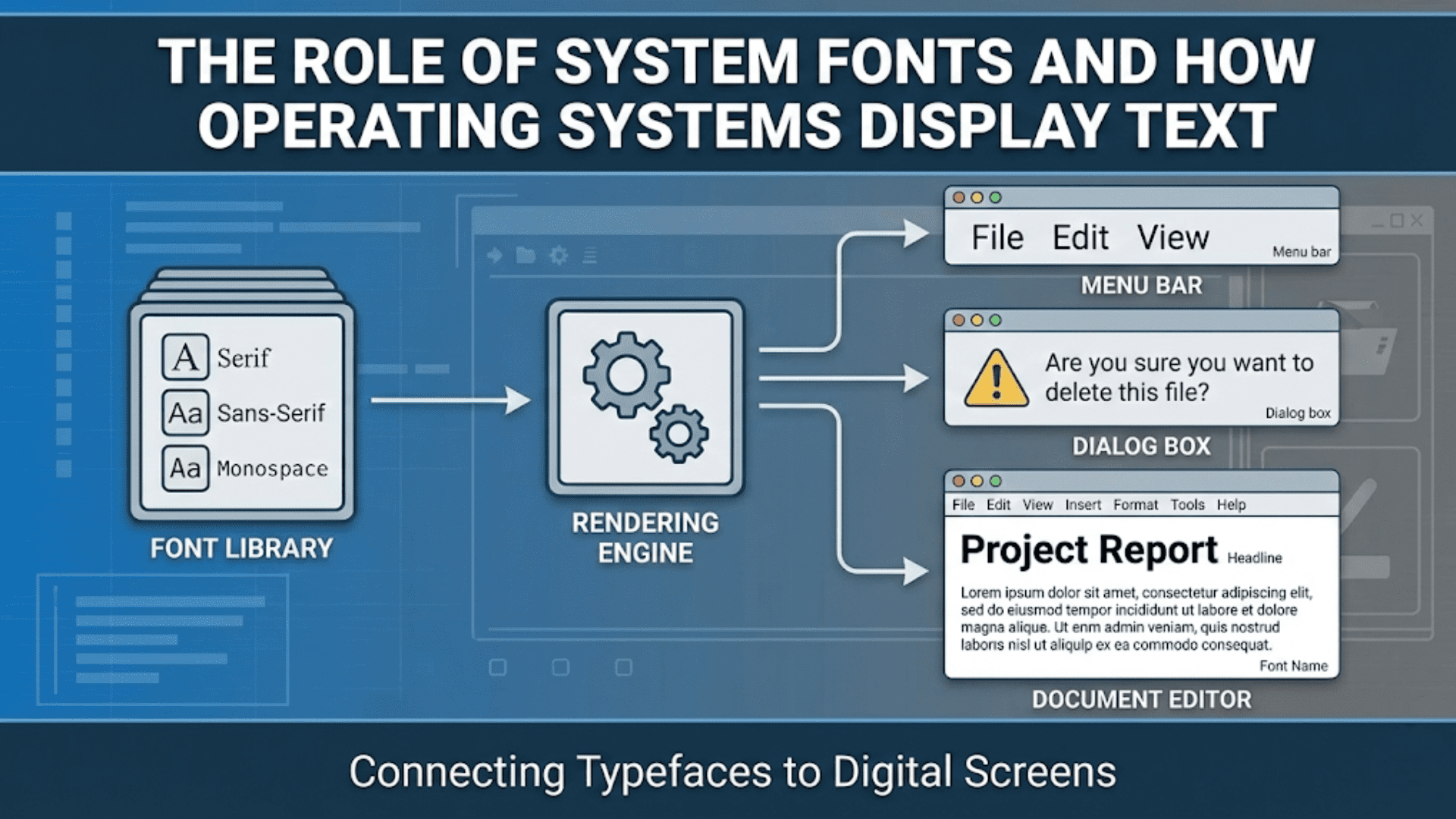
The Role of System Fonts and How Operating Systems Display Text
Learn how operating systems manage system fonts, render text on screen, and provide typography services…
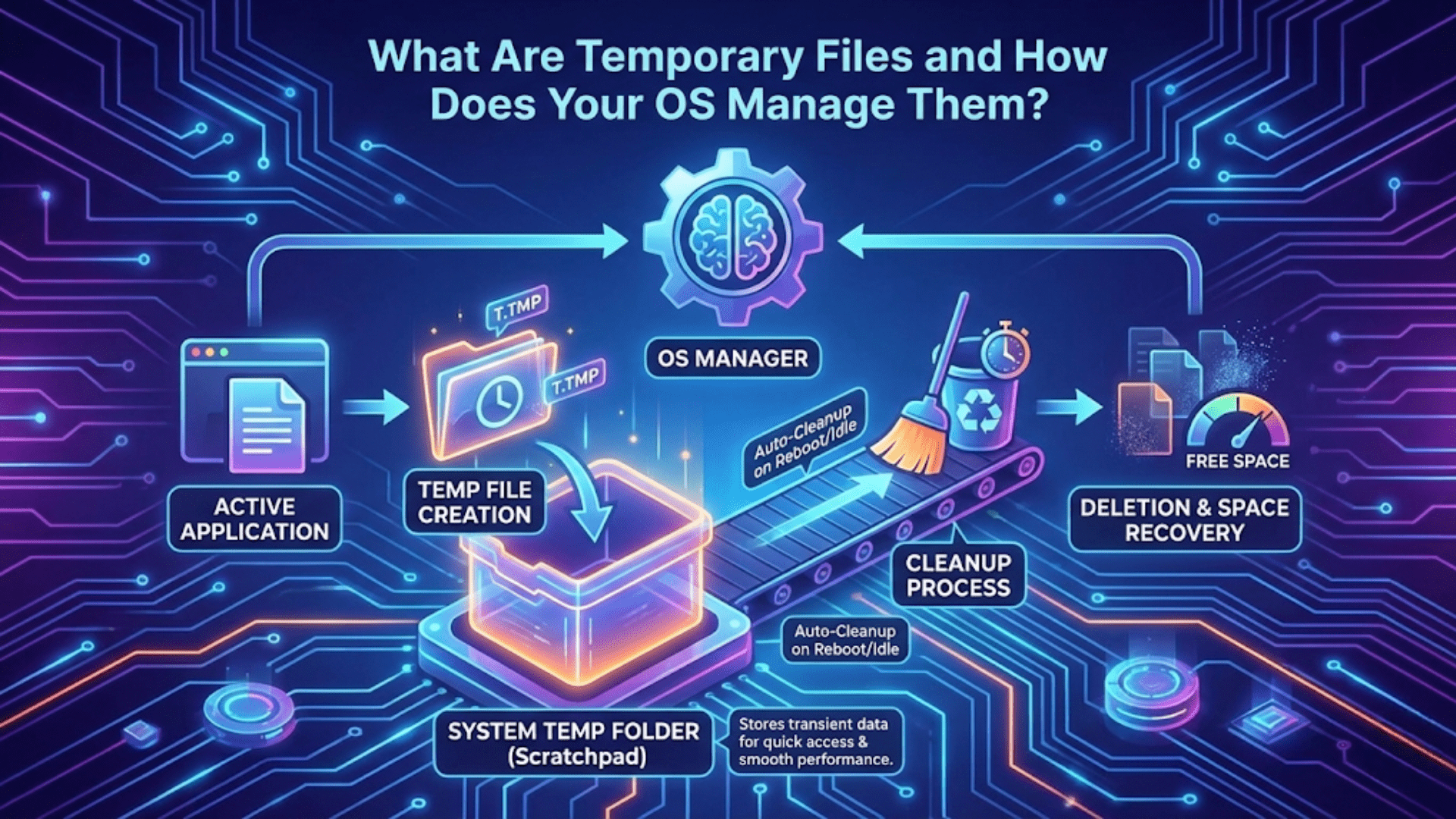
What Are Temporary Files and How Does Your OS Manage Them?
Learn what temporary files are, why operating systems create them, where they’re stored, and how…
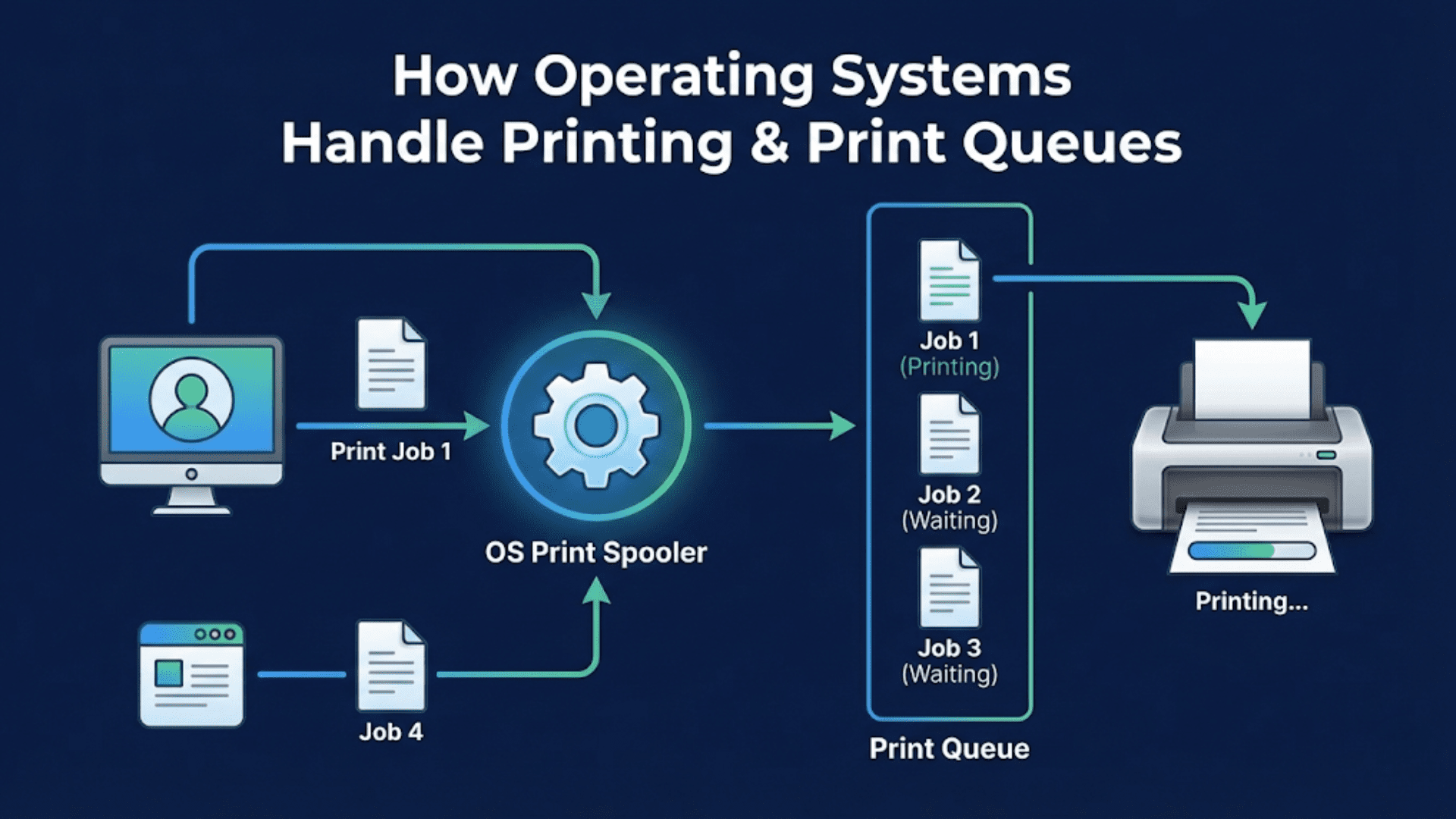
How Operating Systems Handle Printing and Print Queues
Learn how operating systems manage printing, print queues, and printer drivers. Complete guide to OS…
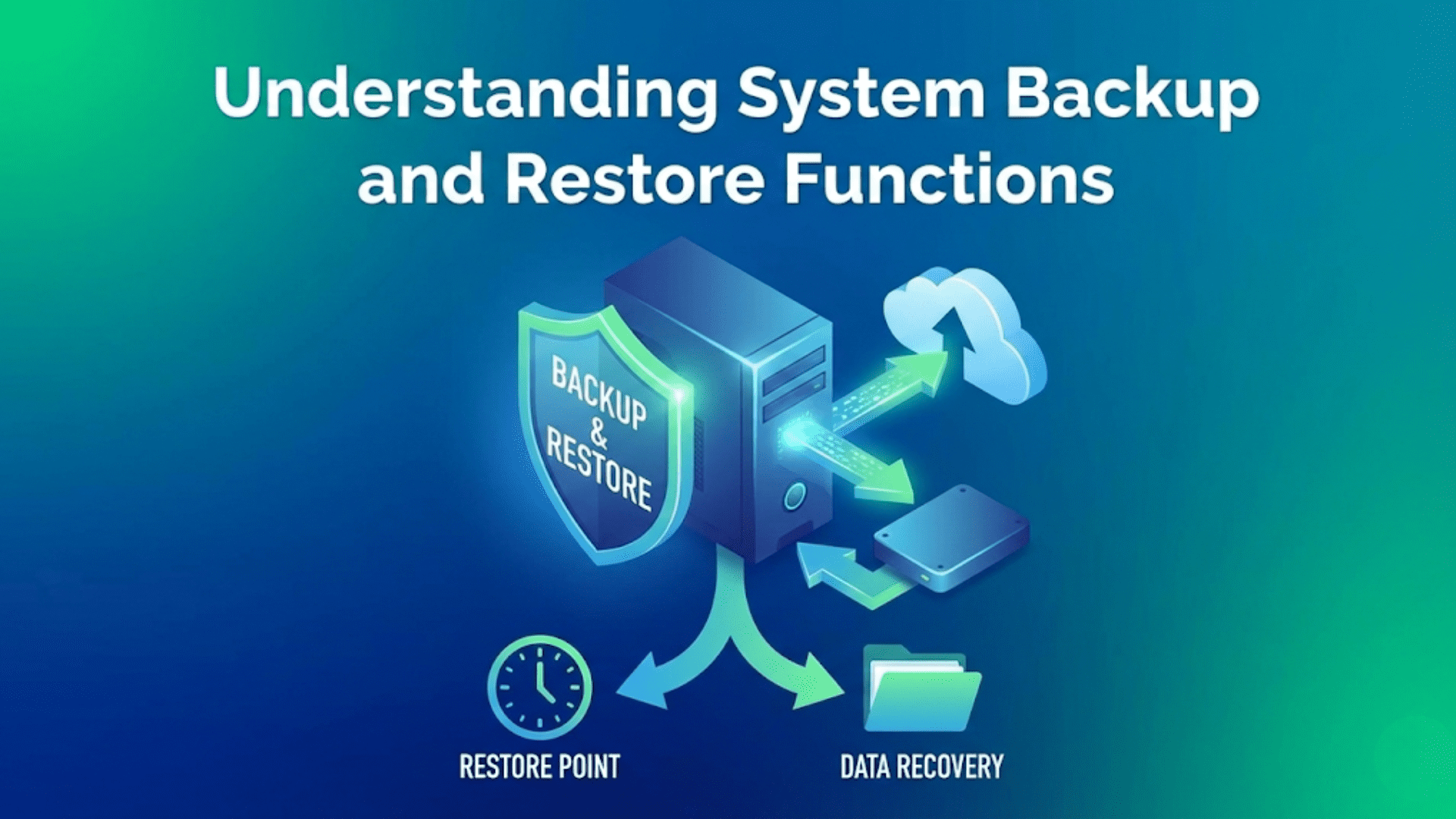
Understanding System Backup and Restore Functions
Learn how operating systems handle backup and restore functions, protect your data, and recover from…
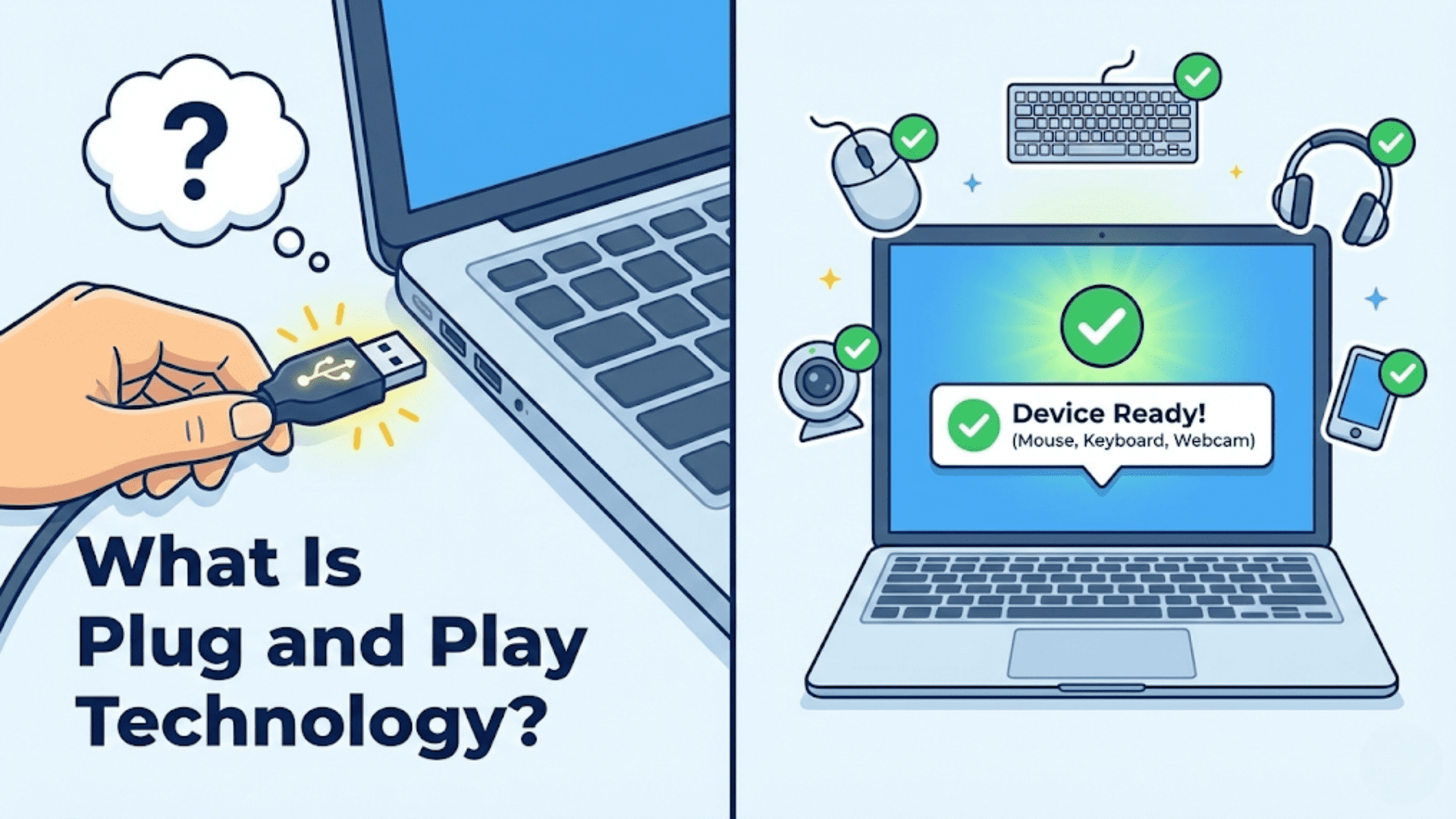
What Is Plug and Play Technology?
Learn what Plug and Play technology is, how operating systems automatically detect and configure hardware…
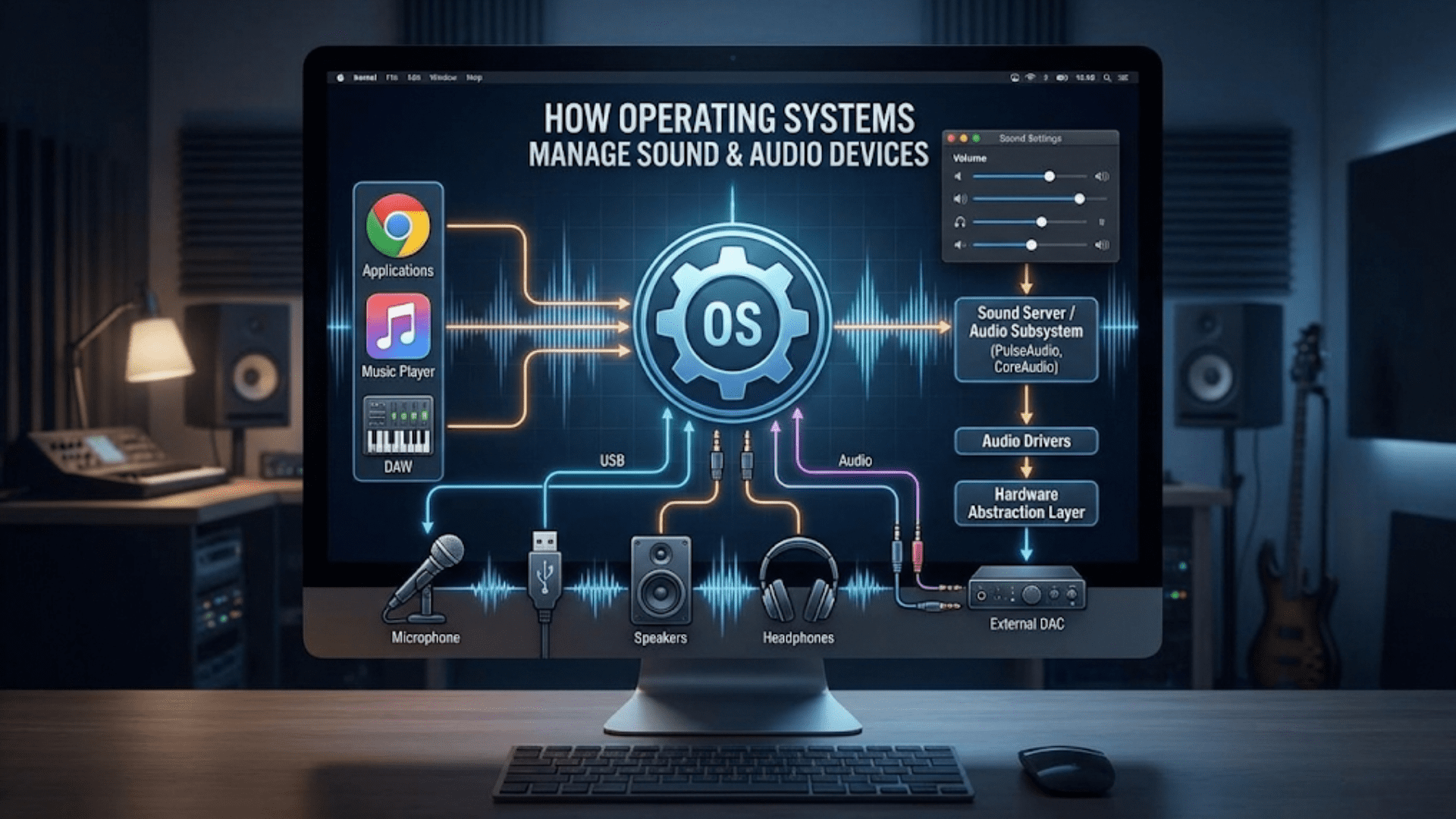
How Operating Systems Manage Sound and Audio Devices
Learn how operating systems manage sound cards, audio drivers, mixing, and playback. Complete guide to…
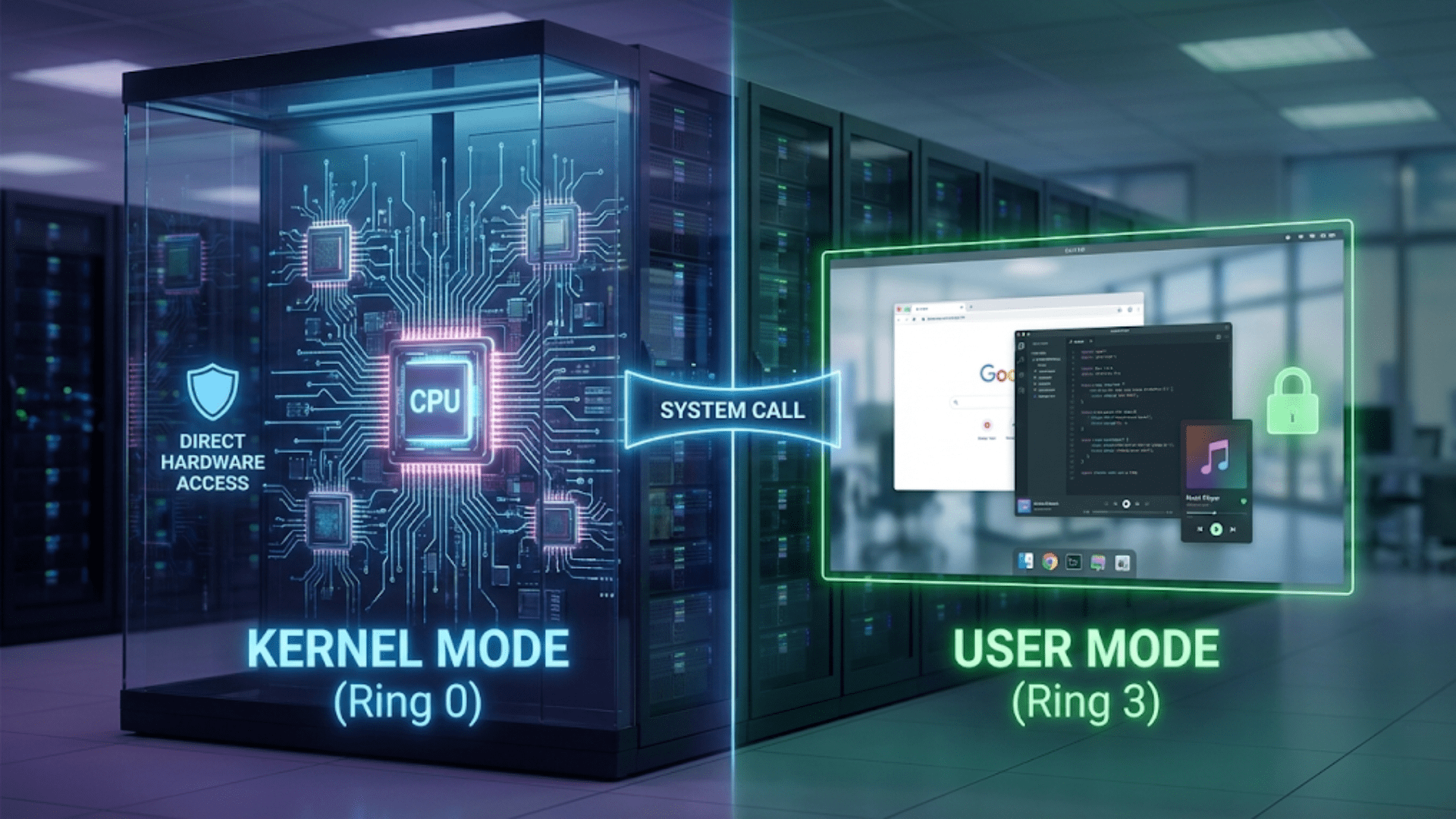
The Difference Between Kernel Mode and User Mode
Learn the crucial difference between kernel mode and user mode, how operating systems use privilege…
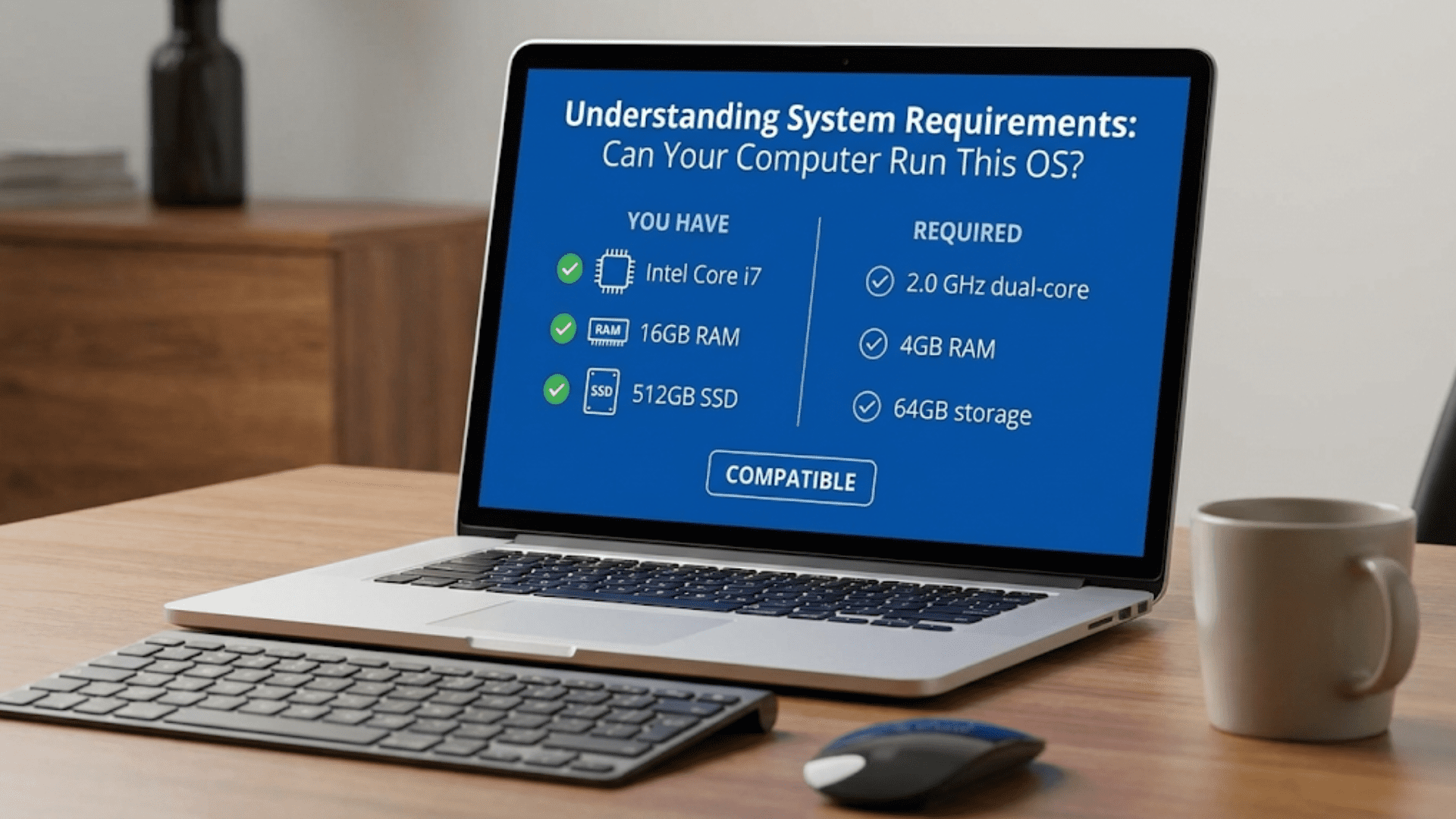
Understanding System Requirements: Can Your Computer Run This OS?
Learn how to read system requirements, check if your computer can run an operating system,…
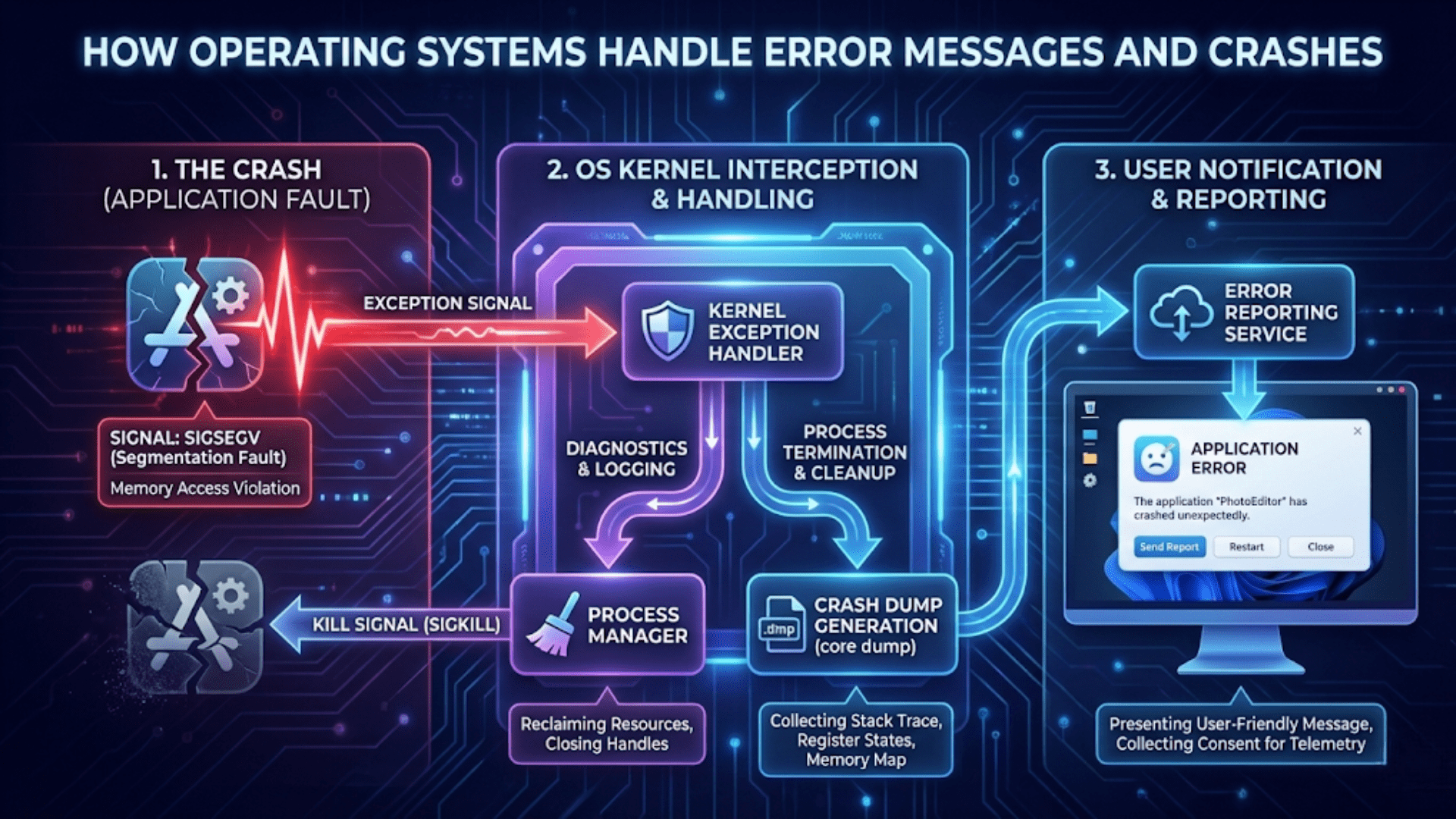
How Operating Systems Handle Error Messages and Crashes
Learn how operating systems detect, handle, and recover from errors and crashes, including error reporting,…
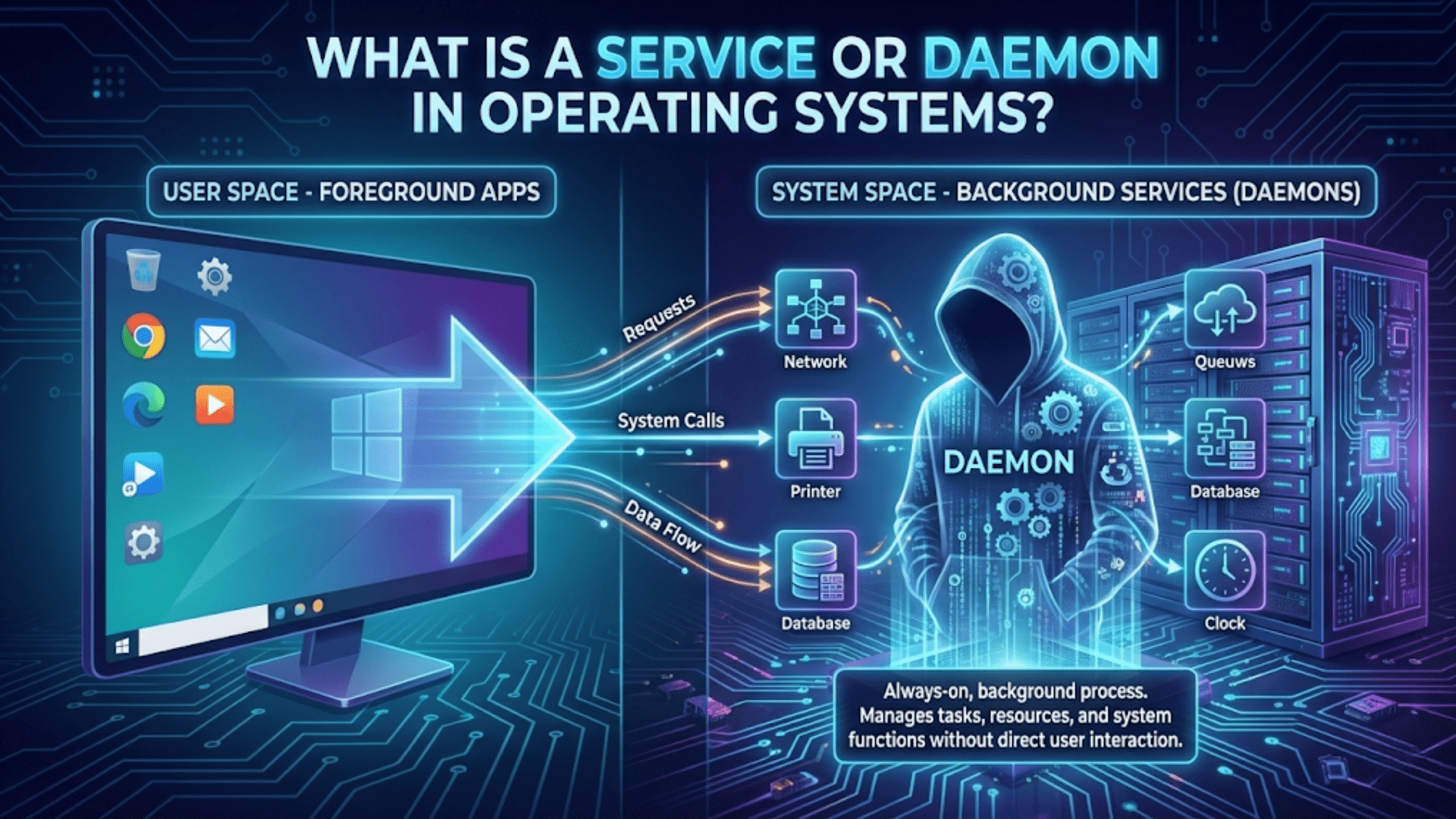
What Is a Service or Daemon in Operating Systems?
Learn what services and daemons are, how they run in the background, and why they’re…
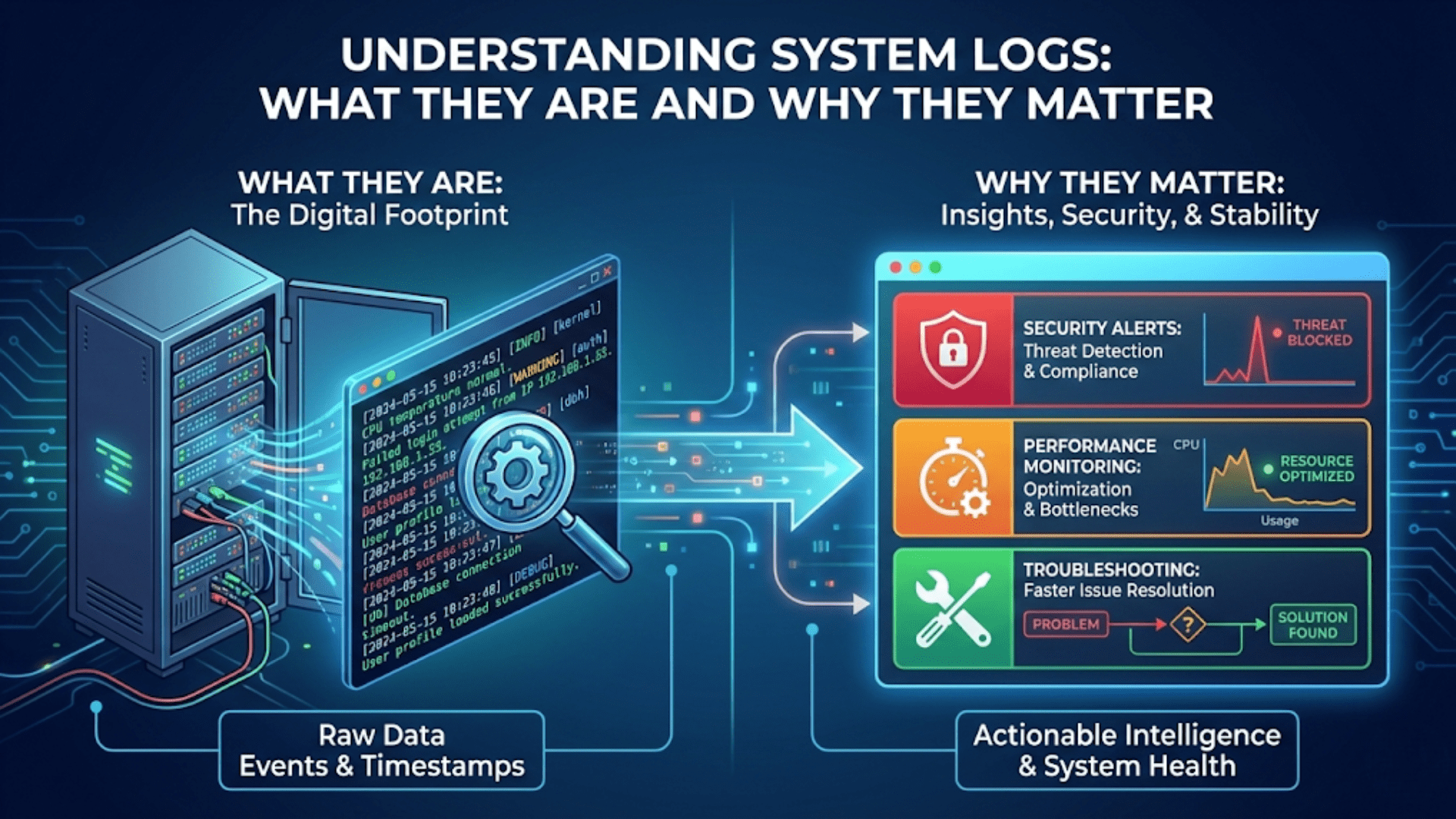
Understanding System Logs: What They Are and Why They Matter
Learn what system logs are, how operating systems use them to record events, and why…
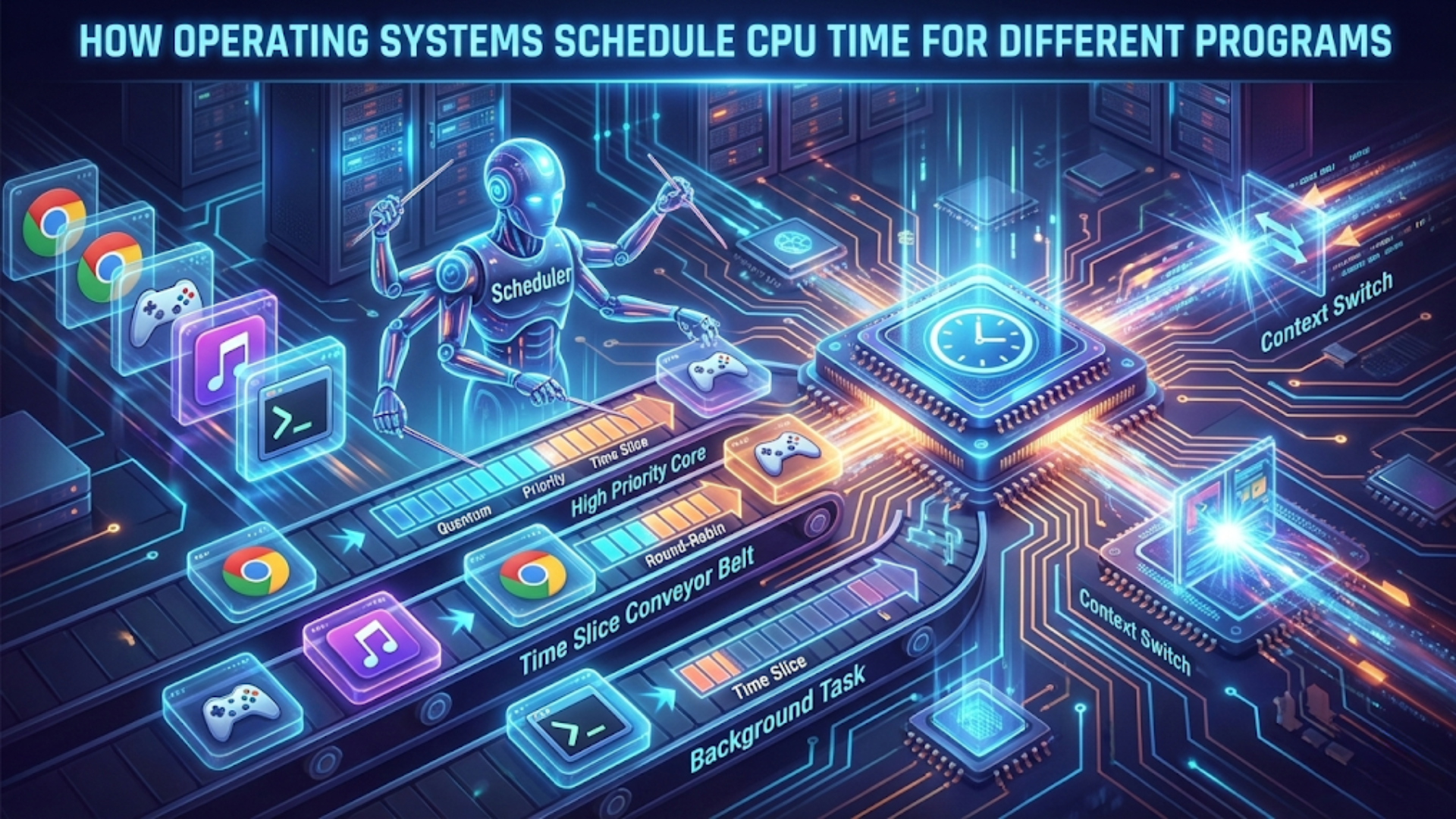
How Operating Systems Schedule CPU Time for Different Programs
Learn how operating systems schedule CPU time, manage process priorities, and ensure fair resource distribution…
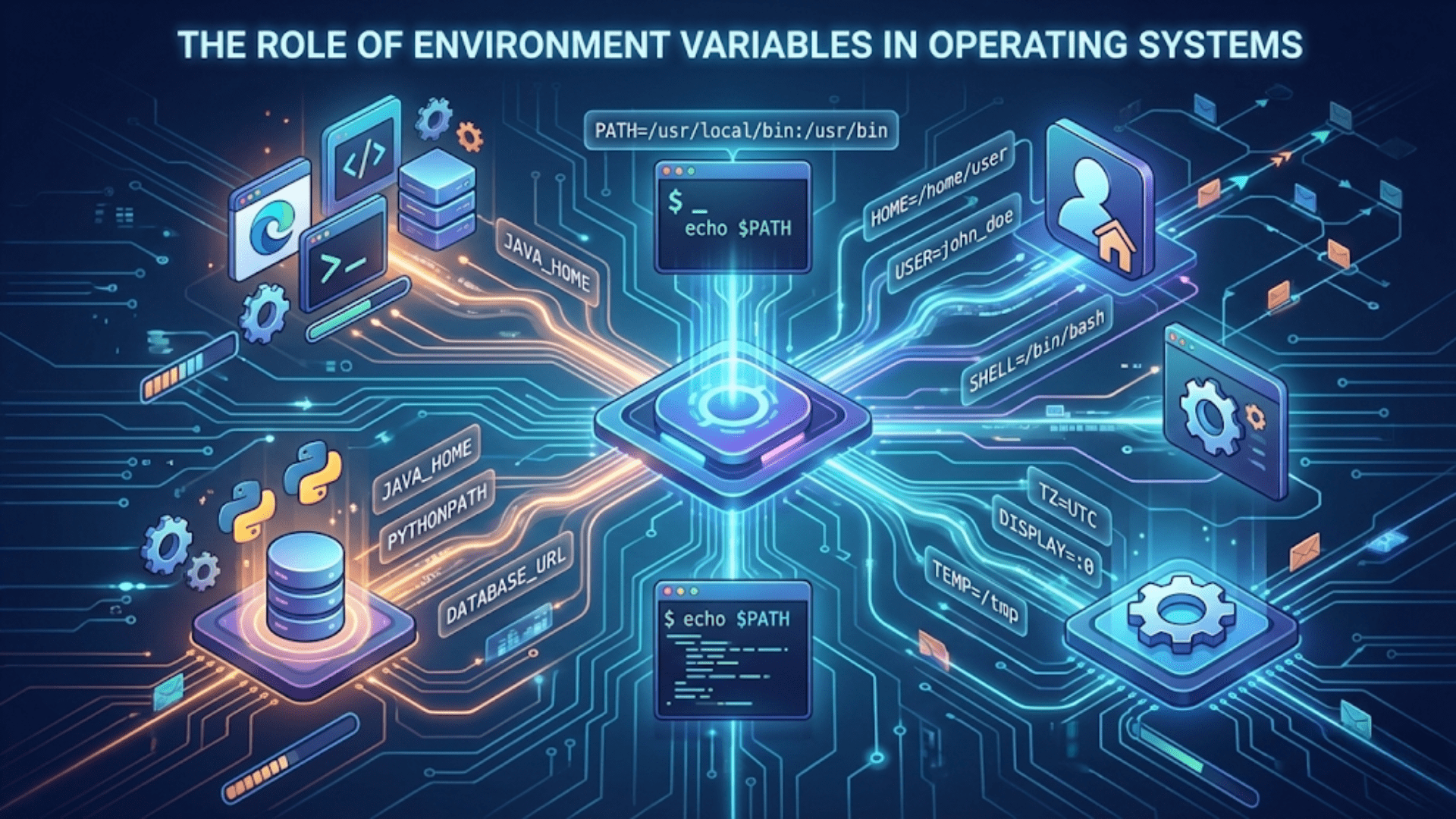
The Role of Environment Variables in Operating Systems
Learn what environment variables are, how operating systems use them, and why they’re essential for…
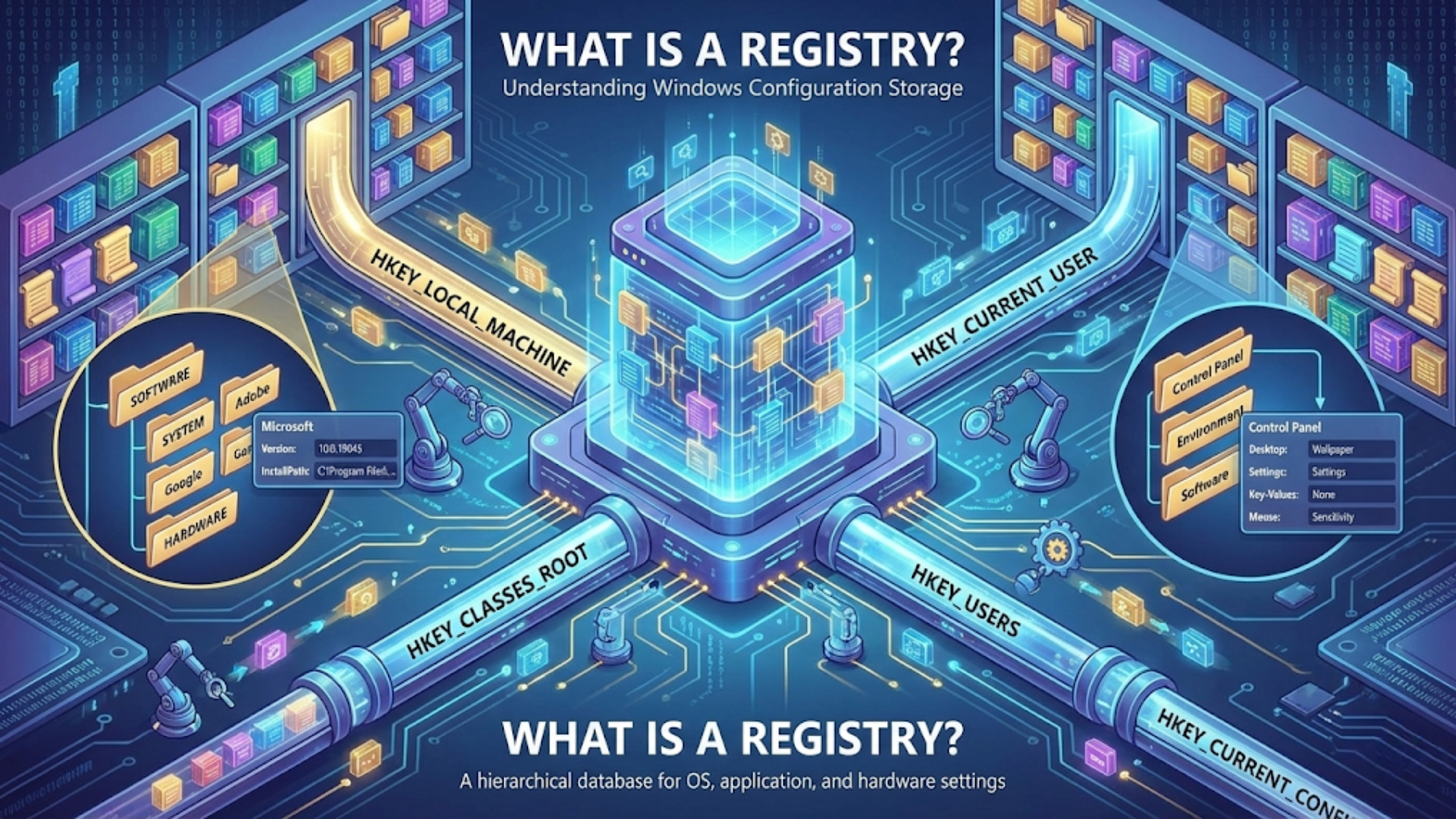
What Is a Registry? Understanding Windows Configuration Storage
Discover what the Windows Registry is, how it stores system configuration, and why it’s critical…
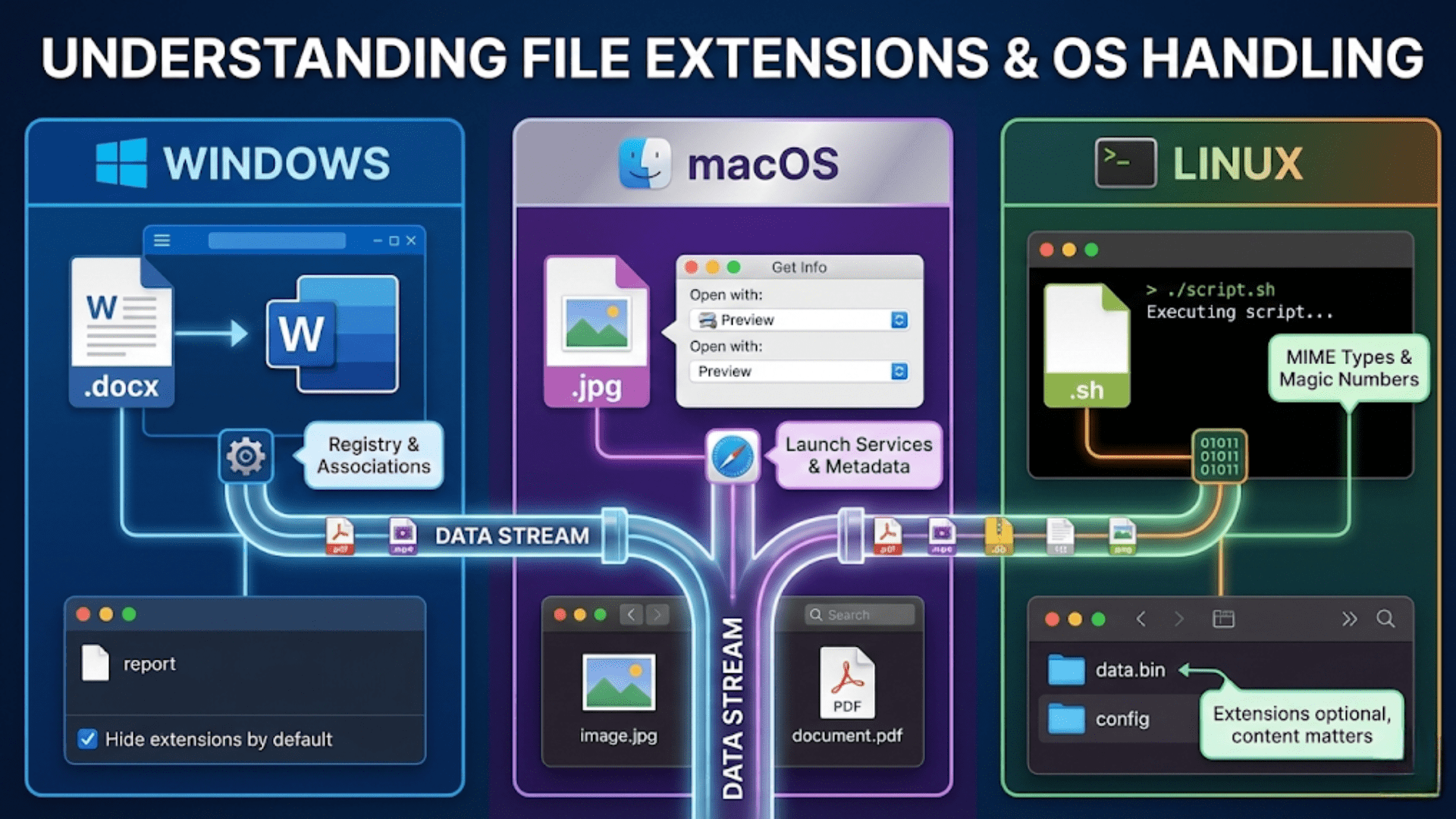
Understanding File Extensions and How Different OS Handle Them
Learn what file extensions are, how operating systems use them to identify file types, and…
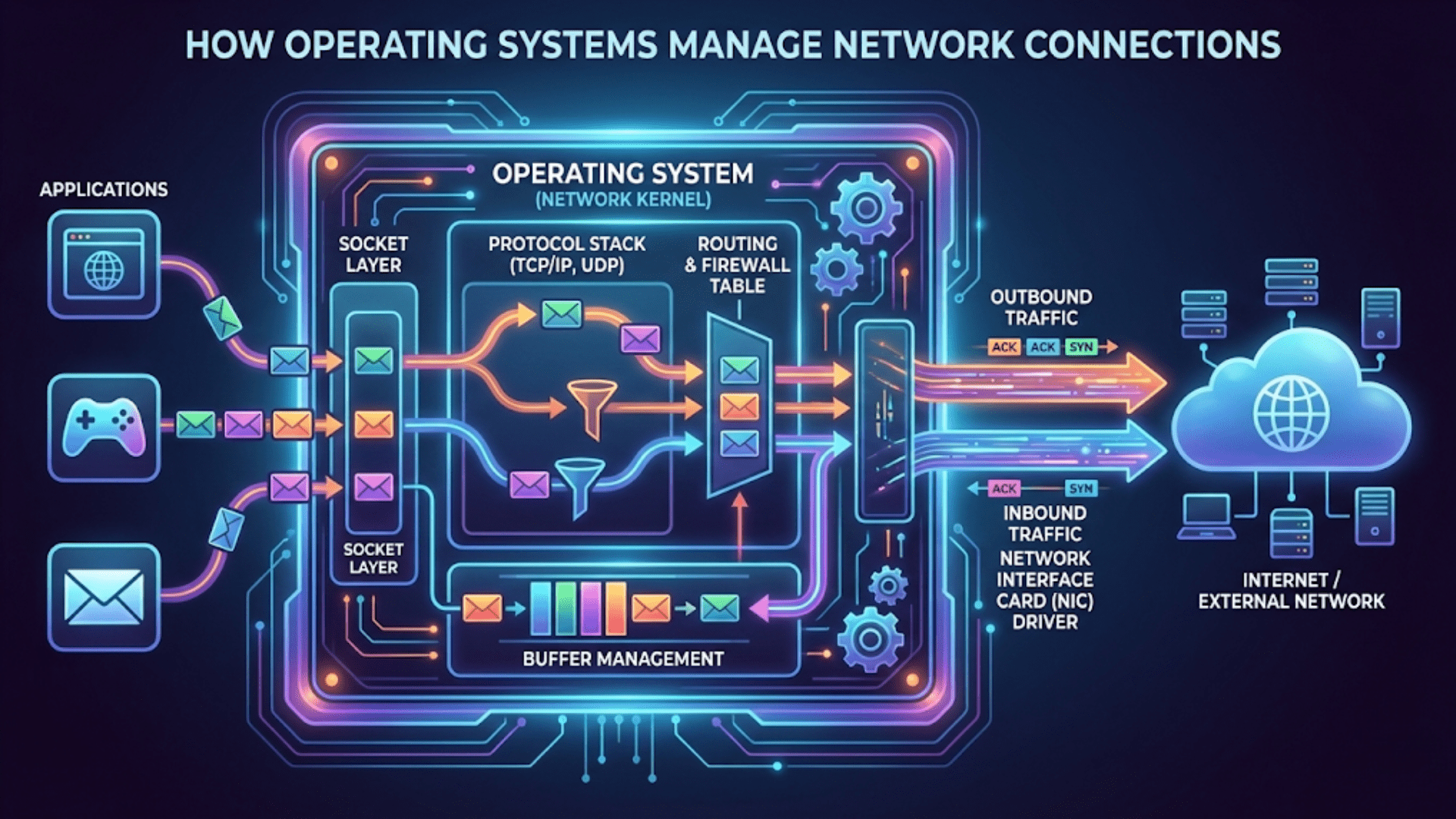
How Operating Systems Manage Network Connections
Discover how operating systems manage network connections, from establishing links to data transmission. Complete guide…
More on Operating Systems
Understanding Clipboard Functionality Across Operating Systems
Learn how clipboard functionality works across Windows, macOS, and Linux. Complete guide to copy-paste mechanics,…

How Operating Systems Manage Your Computer’s Memory
Learn how operating systems manage your computer’s memory (RAM). Discover memory allocation, virtual memory, paging,…
Customizing Your Linux Desktop Environment
Learn how to customize your Linux desktop environment, from themes and widgets to tiling window…
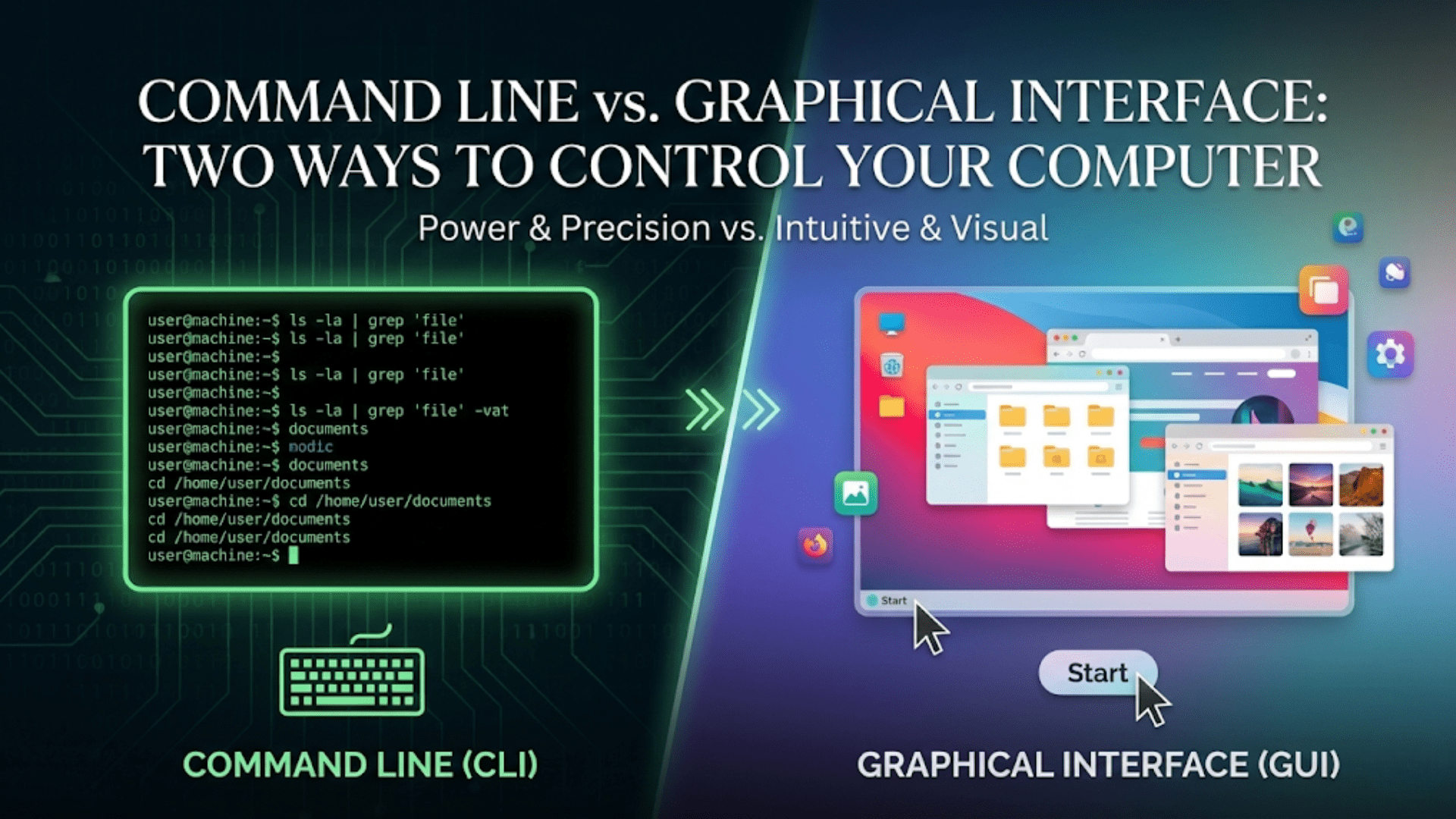
Command Line vs. Graphical Interface: Two Ways to Control Your Computer
Understand the differences between command-line interfaces (CLI) and graphical user interfaces (GUI). Learn when to…
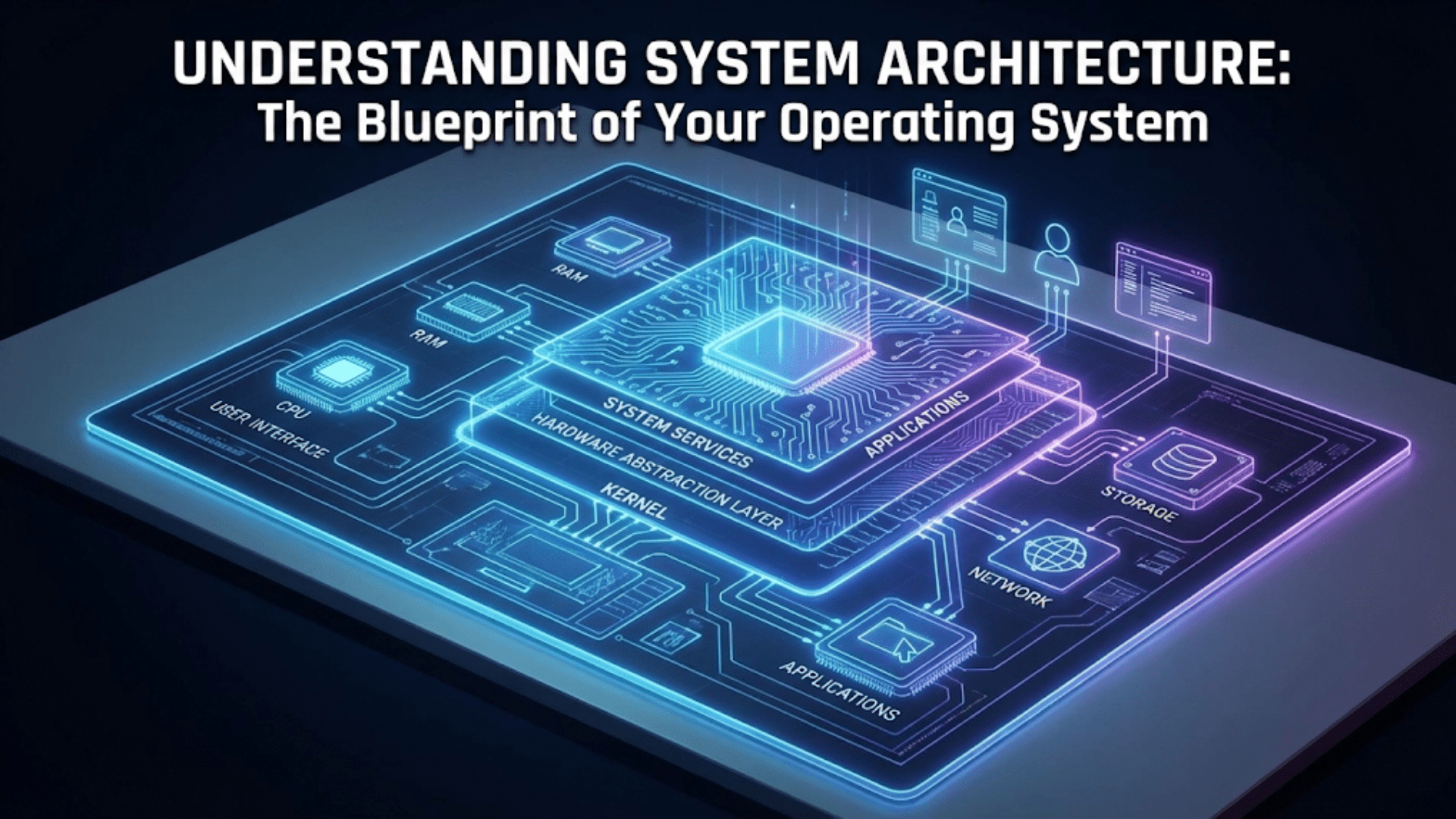
Understanding System Architecture: The Blueprint of Your Operating System
Learn about operating system architecture including monolithic kernels, microkernels, hybrid kernels, layered architecture, and how…
What Is Linux? Understanding the Open Source Operating System
Discover what Linux is, how the open source operating system works, its history, distributions, and…
What Is a Registry? Understanding Windows Configuration Storage
Discover what the Windows Registry is, how it stores system configuration, and why it’s critical…

Understanding User Accounts and Permissions Across Operating Systems
Learn how user accounts and permissions protect your computer. Discover administrator vs. standard users, file…
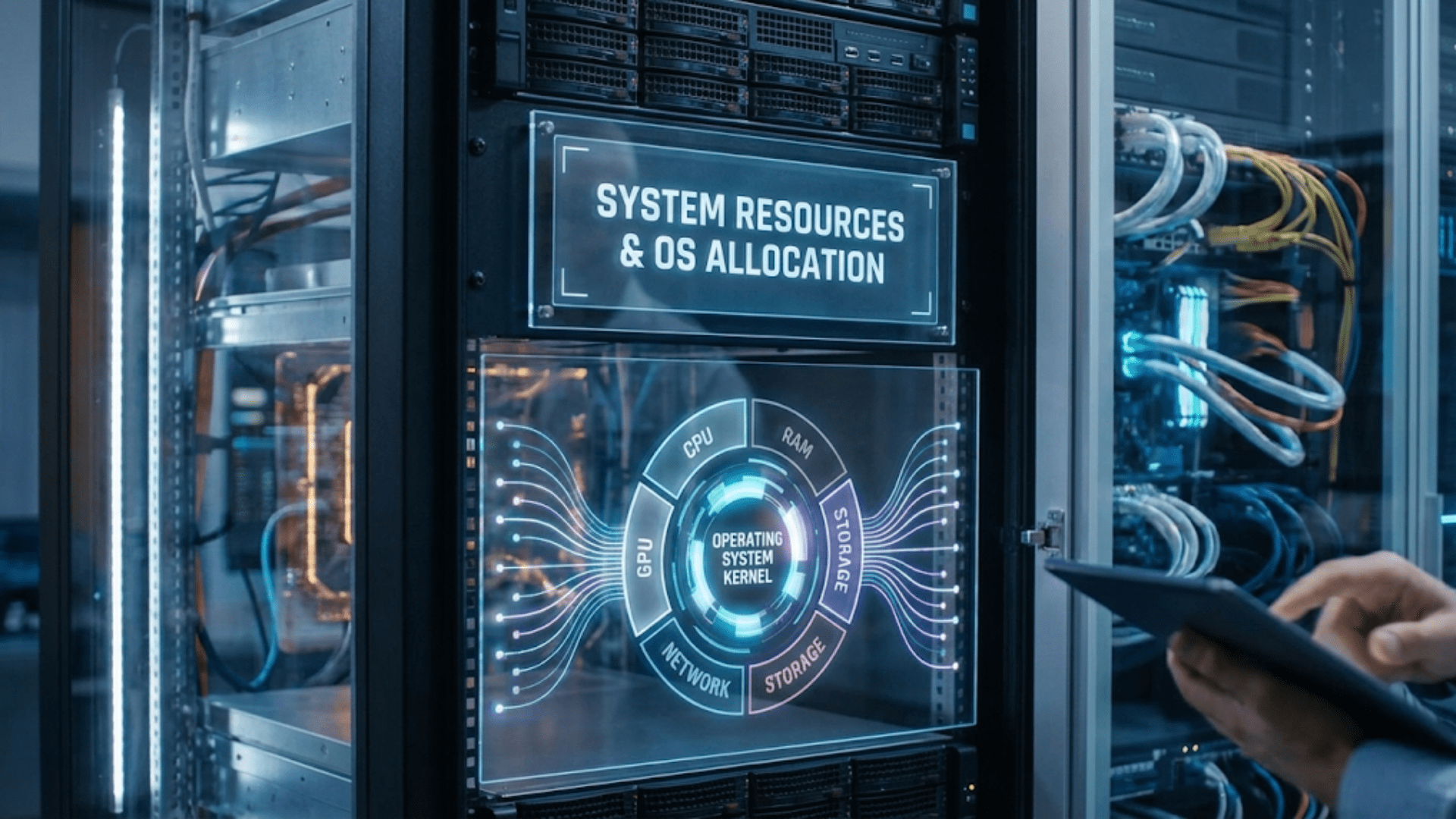
What Are System Resources and How Does Your OS Allocate Them?
Learn what system resources are and how operating systems allocate them. Discover CPU time, memory,…
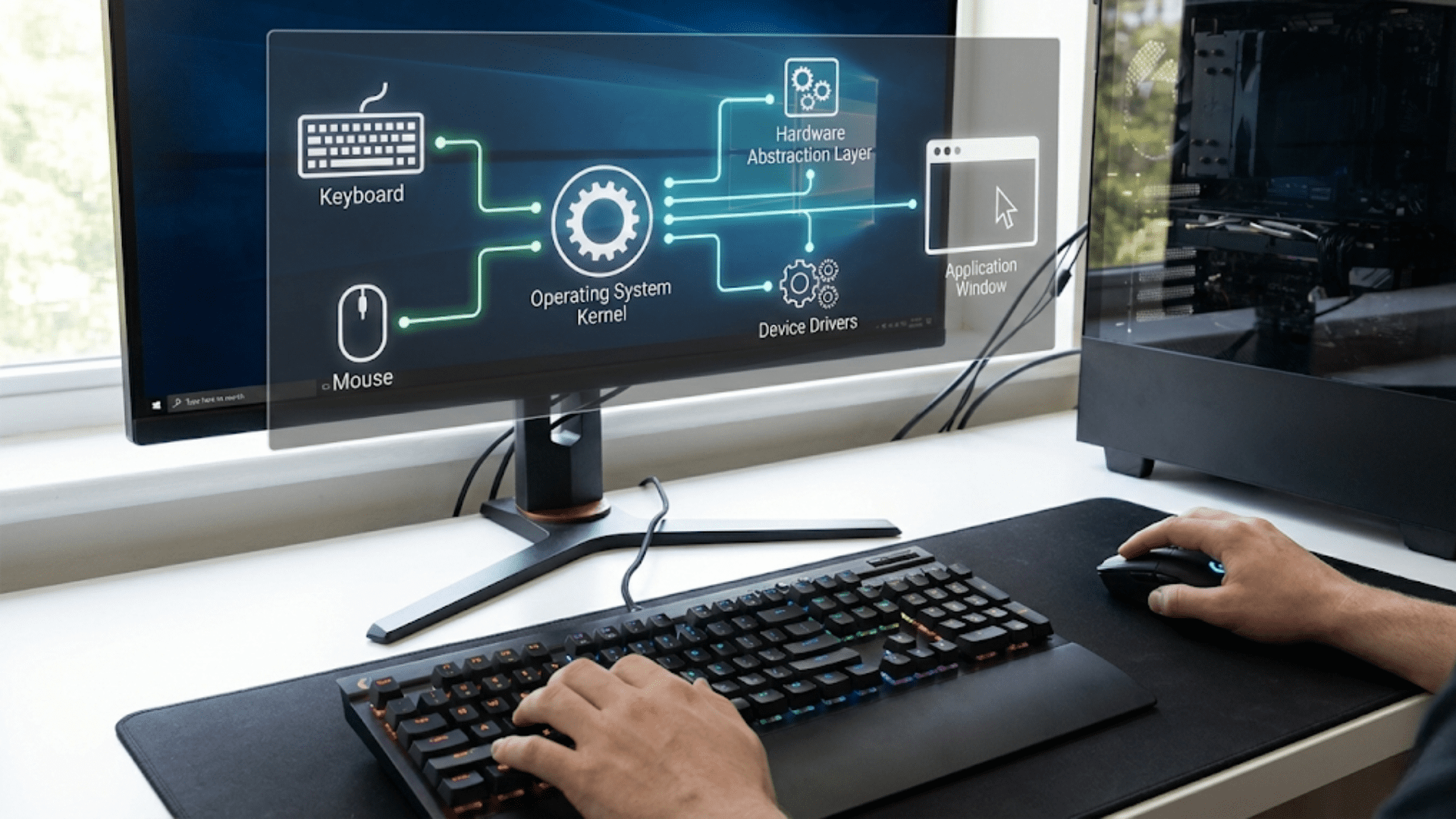
How Operating Systems Handle Input Devices Like Keyboards and Mice
Learn how operating systems process input from keyboards and mice. Discover scan codes, interrupts, device…
The Linux File System Explained: Understanding /, home, and etc
Confused by the Linux file system? Learn what every major directory does — from root…
Understanding File Extensions and How Different OS Handle Them
Learn what file extensions are, how operating systems use them to identify file types, and…
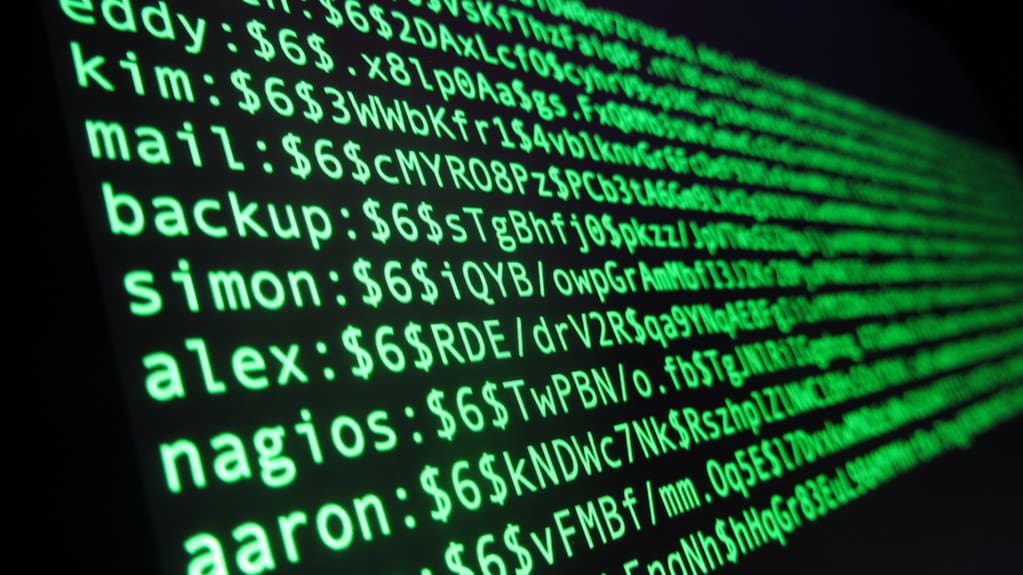
Understanding User Permissions in Linux
Learn to manage Linux user permissions, including read, write, and execute settings, setuid, setgid, and…

Understanding the Kernel: The Heart of Every Operating System
Discover what the kernel is and why it’s the most critical part of your operating…
How Operating Systems Handle Error Messages and Crashes
Learn how operating systems detect, handle, and recover from errors and crashes, including error reporting,…
How Operating Systems Handle Time and Date Settings
Learn how operating systems manage system time, date synchronization, time zones, and NTP. Complete guide…
Understanding System Logs: What They Are and Why They Matter
Learn what system logs are, how operating systems use them to record events, and why…

How Operating Systems Handle Multiple Programs at Once: Multitasking Explained
Discover how your operating system runs multiple programs simultaneously. Learn about multitasking, process scheduling, context…
How Operating Systems Manage Network Connections
Discover how operating systems manage network connections, from establishing links to data transmission. Complete guide…
What Are Temporary Files and How Does Your OS Manage Them?
Learn what temporary files are, why operating systems create them, where they’re stored, and how…
How Operating Systems Manage Sound and Audio Devices
Learn how operating systems manage sound cards, audio drivers, mixing, and playback. Complete guide to…
Basic Linux Commands Every User Should Know
Learn the essential basic Linux commands every user needs — from navigating directories to managing…
How Operating Systems Schedule CPU Time for Different Programs
Learn how operating systems schedule CPU time, manage process priorities, and ensure fair resource distribution…
Introduction to Linux: What You Need to Know
Learn about Linux installation, basic commands, and how to get started with this powerful open-source…
Choosing Your First Linux Distribution: Ubuntu, Mint, or Fedora?
Not sure which Linux distro to start with? Compare Ubuntu, Linux Mint, and Fedora side…
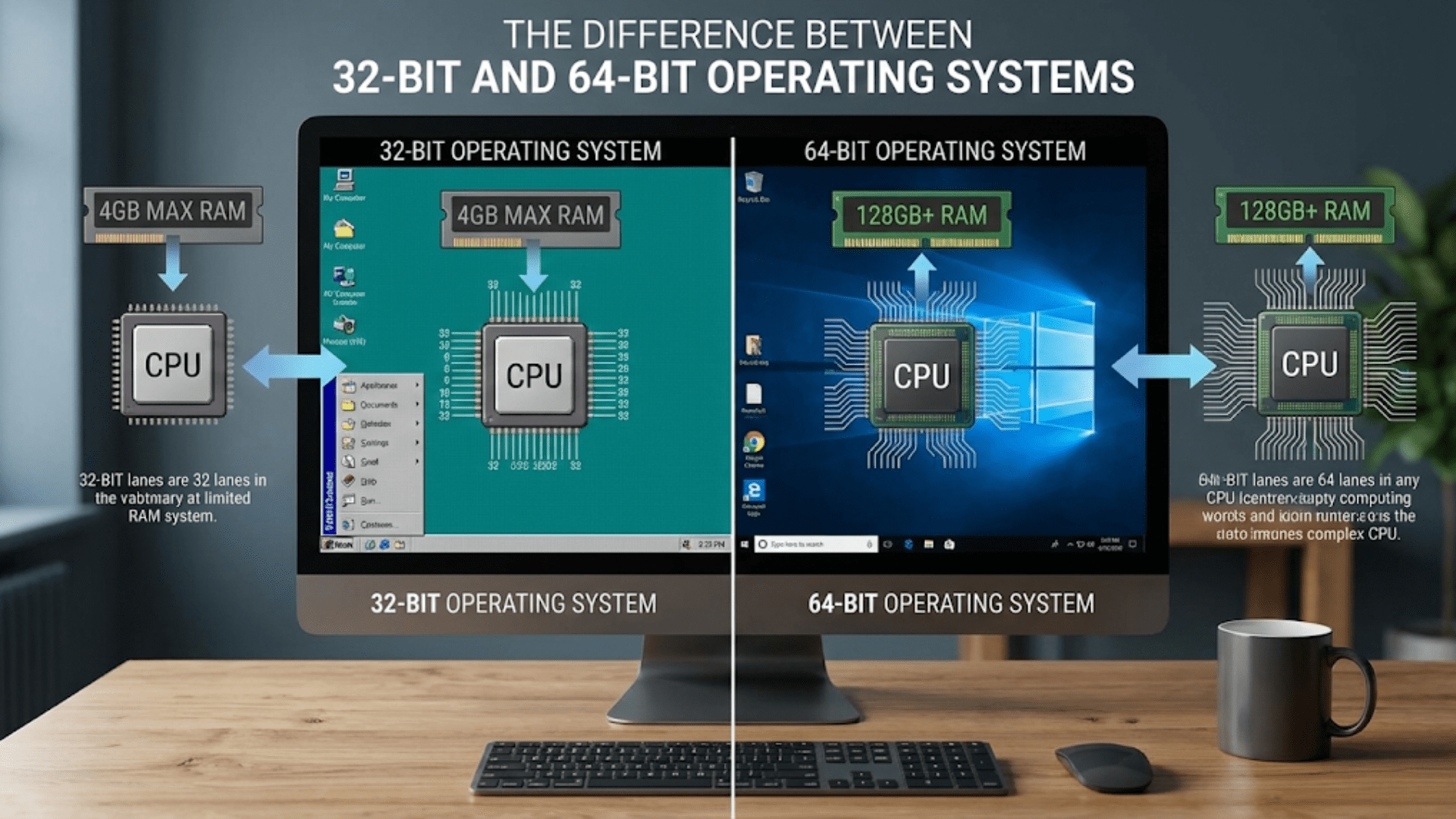
The Difference Between 32-bit and 64-bit Operating Systems
Understand the difference between 32-bit and 64-bit operating systems. Learn about memory limits, performance, compatibility,…

File Systems 101: How Your Operating System Organizes Data
Learn how file systems organize data on your computer. Discover partitions, directories, file allocation, and…
Understanding System Backup and Restore Functions
Learn how operating systems handle backup and restore functions, protect your data, and recover from…
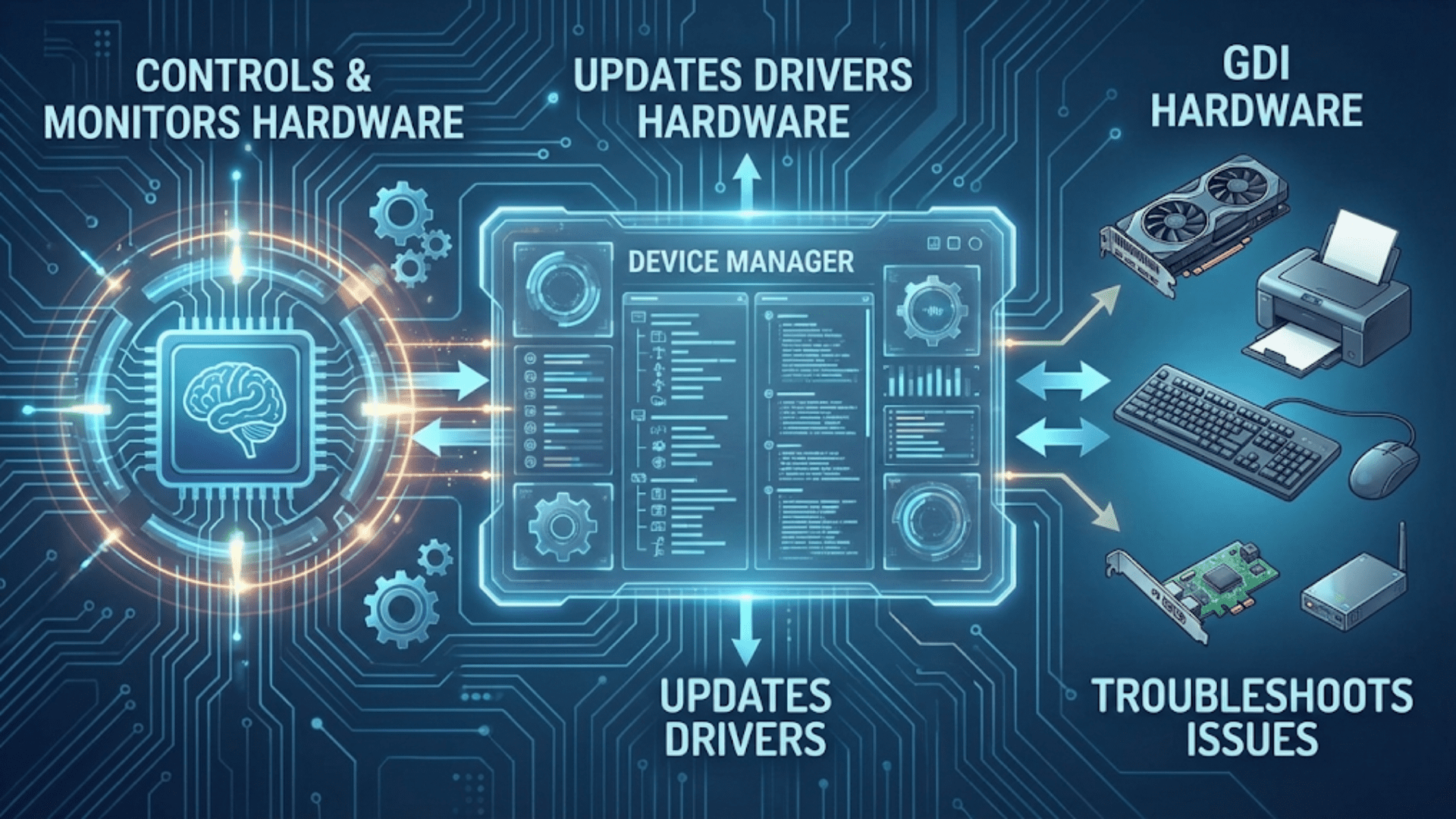
What Is a Device Manager and How Does It Help Your OS?
Learn what Device Manager is and how it helps your operating system manage hardware. Discover…
Operating Systems Page is Live
Navigating the Core of Technology: Introducing Operating Systems Category