
As your programs grow beyond simple examples, you’ll quickly find yourself writing the same code in multiple places. Perhaps you need to calculate the area of a rectangle in five different parts of your program, or you need to validate user input in multiple locations. Copying and pasting the same code repeatedly creates maintenance nightmares—if you discover a bug or need to change how something works, you must hunt down and update every copy. Functions solve this problem by letting you write code once and use it many times from different places in your program.
Functions represent one of the most fundamental concepts in programming, appearing in virtually every programming language ever created. They let you break complex problems into smaller, manageable pieces, each performing a specific task. Just as you might organize physical tasks by creating specialized tools for different jobs, functions let you organize your code by creating specialized blocks of code for different operations. Understanding functions transforms you from someone who writes linear scripts into someone who designs modular, maintainable software.
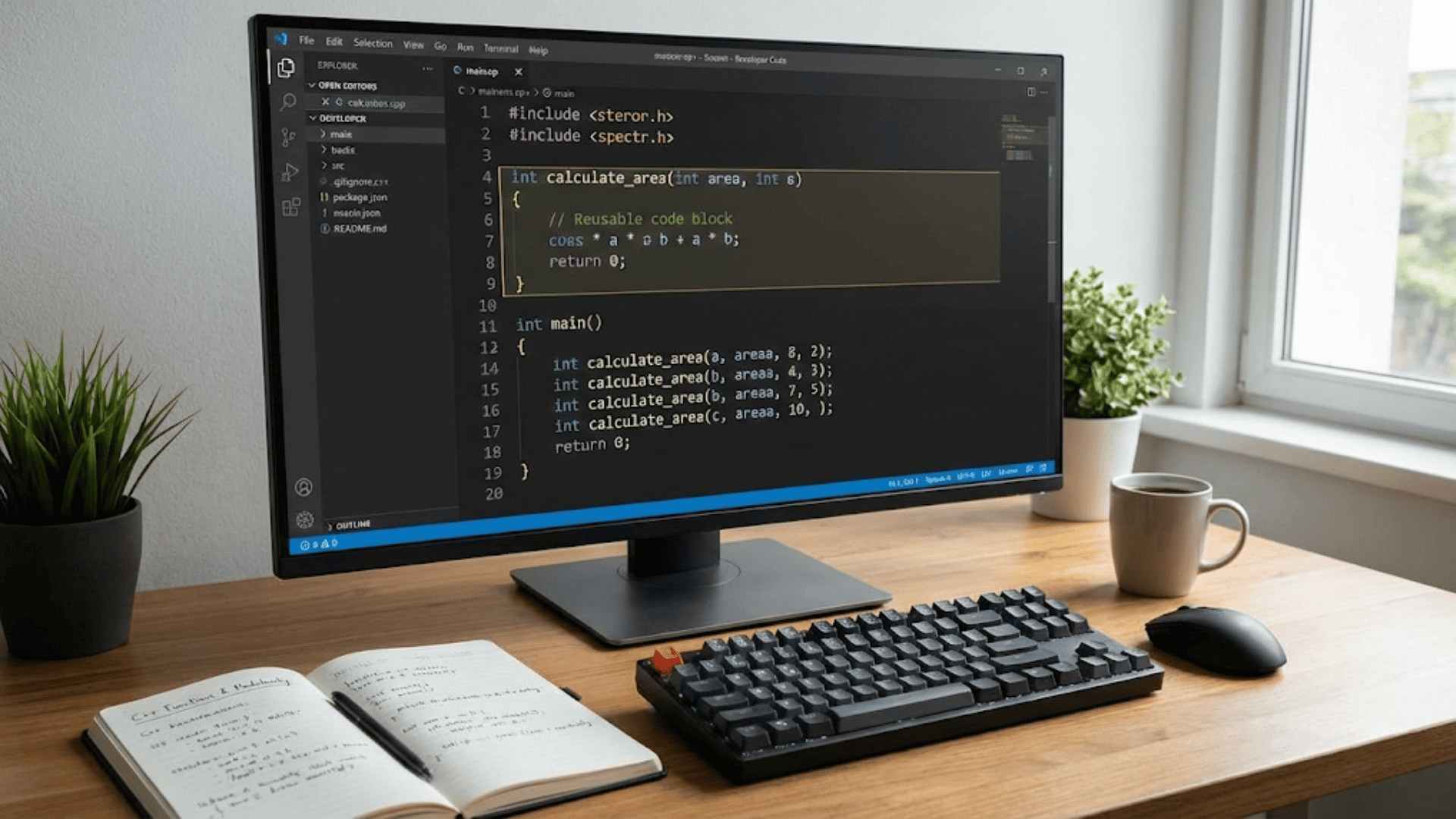
Think of a function as a mini-program within your program. It has a name, it might accept some input (called parameters), it performs some operations, and it might produce some output (called a return value). You can call the function by its name whenever you need it to perform its task, and it will execute its code and give you back the result. This encapsulation—bundling related code together and giving it a name—is what makes functions so powerful for organizing and reusing code.
You’ve actually been using a function since your very first C++ program, even if you didn’t fully realize it. The main function is special because it’s where your program begins executing, but it’s still a function following the same principles as any other function you’ll write. Let me show you how to create your own functions that extend your program’s capabilities.
Here’s the basic anatomy of a function in C++:
returnType functionName(parameterType parameterName) {
    // function body - code that executes when function is called
    return value;  // if function returns something
}Let me break down each component, because understanding these pieces helps you write effective functions. The return type specifies what kind of value the function gives back to the code that called it. This could be int, double, string, or any other type, including void if the function doesn’t return anything. The function name identifies the function—you’ll use this name to call it later. The parameter list, enclosed in parentheses, declares what inputs the function accepts. Finally, the function body contains the actual code that runs when the function is called.
Let me start with a simple example that demonstrates these concepts. Suppose you frequently need to calculate the square of numbers in your program. Instead of writing the multiplication everywhere you need it, you can create a function:
int square(int number) {
    int result = number * number;
    return result;
}This function named square takes one parameter—an integer called number—and returns an integer result. Inside the function, it calculates number times number and stores the result in a variable. The return statement sends this result back to whoever called the function. Now you can use this function anywhere in your program:
int main() {
    int x = 5;
    int xSquared = square(x);  // Call the square function
    std::cout << "The square of " << x << " is " << xSquared << std::endl;

    int y = 10;
    int ySquared = square(y);  // Use the same function again
    std::cout << "The square of " << y << " is " << ySquared << std::endl;

    return 0;
}When the program reaches square(x), it jumps to the square function, executes its code with number equal to five, and returns twenty-five. This return value gets stored in xSquared. Then when the program encounters square(y), it calls the same function again, this time with number equal to ten, returning one hundred. The function is reusable—you write it once and can call it as many times as needed with different inputs.
Understanding what happens during a function call helps you reason about your program’s behavior. When you call a function, several things occur: First, the values you pass (called arguments) are copied into the function’s parameters. Second, execution jumps from the call site to the function’s first line. Third, the function’s code executes. Fourth, when the function returns, execution jumps back to immediately after the call site. Fifth, if the function returns a value, that value becomes available at the call site.
Let me show you a more practical example—a function that determines whether a number is even:
bool isEven(int number) {
    return (number % 2 == 0);
}This function returns a boolean value—true if the number is even, false if it’s odd. Notice how concise the function is. We can even eliminate the intermediate variable from our square function to make it more compact:
int square(int number) {
    return number * number;  // Calculate and return in one step
}The return statement can contain an expression, not just a variable. The expression is evaluated, and its result becomes the return value. This style is common for simple functions where the calculation fits naturally into the return statement.
Functions can have multiple parameters, separated by commas. Each parameter needs both a type and a name:
int add(int a, int b) {
    return a + b;
}

double calculateRectangleArea(double width, double height) {
    return width * height;
}

void printPersonInfo(std::string name, int age, std::string city) {
    std::cout << name << " is " << age << " years old";
    std::cout << " and lives in " << city << std::endl;
}The first function adds two integers. The second calculates a rectangle’s area using two doubles. The third function demonstrates a new concept: the void return type. When a function’s purpose is to perform an action rather than calculate a value—like printing information—you use void to indicate it doesn’t return anything. Notice that void functions don’t need a return statement, though they can have one without a value just to exit early:
void checkAge(int age) {
    if (age < 0) {
        std::cout << "Invalid age!" << std::endl;
        return;  // Exit function early
    }

    std::cout << "Valid age: " << age << std::endl;
    // More code here that only runs for valid ages
}When calling functions with multiple parameters, the order matters. The first argument you provide matches the first parameter, the second argument matches the second parameter, and so on:
double area = calculateRectangleArea(5.0, 3.0);  // width=5.0, height=3.0
printPersonInfo("Alice", 30, "Boston"); // name="Alice", age=30, city="Boston"Function prototypes, also called forward declarations, let you declare that a function exists before you define what it does. This becomes necessary when you want to call a function before you’ve written its full definition, or when functions need to call each other. A prototype includes the function’s signature—its return type, name, and parameter types—but not the body:
// Function prototype - declares the function
double calculateCircleArea(double radius);

int main() {
    double area = calculateCircleArea(5.0);  // Can call it here
    std::cout << "Area: " << area << std::endl;
    return 0;
}

// Function definition - implements what it does
double calculateCircleArea(double radius) {
    const double PI = 3.14159;
    return PI * radius * radius;
}The prototype tells the compiler “this function exists and takes these parameters,” allowing you to call it even though its definition comes later in the file. Parameter names in prototypes are optional—only the types matter for the compiler to understand the function’s signature:
double calculateCircleArea(double);  // Valid prototype without parameter name
double calculateCircleArea(double radius); // Also valid, with parameter nameIncluding parameter names in prototypes improves readability by documenting what each parameter represents, even though the compiler ignores them.
Variable scope—where variables are accessible in your code—becomes important when working with functions. Variables declared inside a function are local to that function, meaning they exist only while the function executes and aren’t accessible outside it:
int multiply(int a, int b) {
    int result = a * b;  // result exists only inside this function
    return result;
}

int main() {
    int product = multiply(5, 3);
    // Cannot access 'result' here - it doesn't exist outside multiply()
    std::cout << product << std::endl;
    return 0;
}Each time you call multiply, it creates a new result variable, does its calculation, returns the value, and then the result variable ceases to exist. This isolation is actually a good thing—it prevents functions from interfering with each other’s variables and makes code easier to understand and debug.
Parameters work the same way—they’re local variables that receive their initial values from the arguments passed in the function call:
void printDouble(int value) {
    value = value * 2;  // This modifies the local copy
    std::cout << value << std::endl;
}

int main() {
    int number = 5;
    printDouble(number);  // Prints 10
    std::cout << number << std::endl;  // Still prints 5!
    return 0;
}This demonstrates pass by value—the default way C++ passes arguments to functions. The function receives a copy of the argument’s value, not the actual variable itself. Changes to the parameter inside the function don’t affect the original variable in the calling code. Understanding this prevents confusion when you expect a function to modify a variable but it doesn’t.
Sometimes you need a function to modify the caller’s variable. For this, you use references, which I’ll explain more thoroughly in a later article, but here’s a preview:
void doubleValue(int& value) {  // & makes it a reference parameter
    value = value * 2;  // This modifies the original variable
}

int main() {
    int number = 5;
    doubleValue(number);
    std::cout << number << std::endl;  // Prints 10 - variable was modified!
    return 0;
}The ampersand (&) after the parameter type makes it a reference parameter, meaning the function receives access to the original variable rather than a copy. Changes to the parameter affect the original variable.
Default parameter values let you make parameters optional by specifying default values that are used when the caller doesn’t provide an argument:
void greet(std::string name, std::string greeting = "Hello") {
    std::cout << greeting << ", " << name << "!" << std::endl;
}

int main() {
    greet("Alice");              // Uses default: "Hello, Alice!"
    greet("Bob", "Good morning");  // Uses provided: "Good morning, Bob!"
    return 0;
}Default values must appear from right to left in the parameter list—once you have a parameter with a default value, all parameters to its right must also have defaults:
void example(int a, int b = 5, int c = 10);     // Valid
void example(int a = 5, int b, int c = 10);     // Invalid - b has no default
void example(int a = 5, int b = 10, int c = 15); // Valid - all defaultsFunction overloading allows you to create multiple functions with the same name but different parameter lists. The compiler chooses which version to call based on the arguments you provide:
int max(int a, int b) {
    return (a > b) ? a : b;
}

double max(double a, double b) {
    return (a > b) ? a : b;
}

int max(int a, int b, int c) {
    int temp = (a > b) ? a : b;
    return (temp > c) ? temp : c;
}

int main() {
    std::cout << max(5, 10) << std::endl;        // Calls int version
    std::cout << max(3.5, 2.1) << std::endl;     // Calls double version
    std::cout << max(5, 10, 3) << std::endl;     // Calls three-parameter version
    return 0;
}Overloading works based on the number and types of parameters. The return type alone doesn’t count—you can’t overload functions that differ only in return type. This feature makes functions more intuitive to use because you can give the same logical name to operations that work with different types.
Organizing your code with functions follows certain principles that lead to better software design. Each function should do one thing well—this is called the Single Responsibility Principle. A function that calculates an area should just calculate the area, not also print the result, validate inputs, and update a database. Breaking down complex operations into multiple focused functions makes your code more maintainable:
// Poor design - function does too much
void processOrder(std::string item, int quantity, double price) {
    // Validates input
    // Calculates total
    // Updates inventory
    // Generates invoice
    // Sends email
    // All in one giant function
}

// Better design - separate functions
bool validateOrder(std::string item, int quantity);
double calculateTotal(int quantity, double price);
void updateInventory(std::string item, int quantity);
void generateInvoice(double total);
void sendConfirmationEmail(std::string customer);

void processOrder(std::string item, int quantity, double price, std::string customer) {
    if (!validateOrder(item, quantity)) {
        return;
    }

    double total = calculateTotal(quantity, price);
    updateInventory(item, quantity);
    generateInvoice(total);
    sendConfirmationEmail(customer);
}The second design breaks the operation into focused functions, each doing one thing. This makes testing easier—you can test each function independently. It makes debugging easier—problems are isolated to specific functions. It makes reuse easier—other parts of your program might need to calculate totals or update inventory without processing entire orders.
Function names should clearly describe what the function does. Use verbs for functions that perform actions (calculateArea, printReport, validateInput) and adjectives or questions for functions that test conditions (isValid, hasPermission, isEmpty). Good names make your code self-documenting:
// Poor names
int calc(int a, int b);      // What does it calculate?
void process();              // Process what?
bool check(int x);           // Check what?

// Good names
int calculateTotal(int quantity, int price);
void displayWelcomeMessage();
bool isPositive(int number);Comments can explain why a function exists or document complex algorithms, but well-named functions with clear purposes often need minimal comments:
// Good function name - purpose is obvious
double convertCelsiusToFahrenheit(double celsius) {
    return celsius * 9.0 / 5.0 + 32.0;
}

// Name explains what, comment explains why
double applyDiscount(double price, double discountPercent) {
    // Company policy: discounts capped at 50% to maintain profitability
    if (discountPercent > 50.0) {
        discountPercent = 50.0;
    }
    return price * (1.0 - discountPercent / 100.0);
}Let me show you a practical example that brings together several function concepts—a program that validates and processes user input for a simple calculator:
#include <iostream>
#include <string>

// Function prototypes
void displayMenu();
double getNumber(std::string prompt);
char getOperation();
double calculate(double num1, double num2, char operation);
void displayResult(double num1, double num2, char operation, double result);
bool continueCalculating();

int main() {
    bool keepGoing = true;

    while (keepGoing) {
        displayMenu();

        double number1 = getNumber("Enter first number: ");
        char operation = getOperation();
        double number2 = getNumber("Enter second number: ");

        double result = calculate(number1, number2, operation);
        displayResult(number1, number2, operation, result);

        keepGoing = continueCalculating();
    }

    std::cout << "Thank you for using the calculator!" << std::endl;
    return 0;
}

void displayMenu() {
    std::cout << "\n=== Simple Calculator ===" << std::endl;
    std::cout << "Operations: + - * /" << std::endl;
}

double getNumber(std::string prompt) {
    double number;
    std::cout << prompt;
    std::cin >> number;
    return number;
}

char getOperation() {
    char op;
    std::cout << "Enter operation (+, -, *, /): ";
    std::cin >> op;
    return op;
}

double calculate(double num1, double num2, char operation) {
    switch (operation) {
        case '+':
            return num1 + num2;
        case '-':
            return num1 - num2;
        case '*':
            return num1 * num2;
        case '/':
            if (num2 != 0) {
                return num1 / num2;
            } else {
                std::cout << "Error: Division by zero!" << std::endl;
                return 0;
            }
        default:
            std::cout << "Error: Invalid operation!" << std::endl;
            return 0;
    }
}

void displayResult(double num1, double num2, char operation, double result) {
    std::cout << num1 << " " << operation << " " << num2 << " = " << result << std::endl;
}

bool continueCalculating() {
    char response;
    std::cout << "Perform another calculation? (y/n): ";
    std::cin >> response;
    return (response == 'y' || response == 'Y');
}This program demonstrates how functions organize code into logical units. Each function has a single, clear purpose. The main function orchestrates the overall flow without getting bogged down in details. If you need to change how numbers are input, you modify only getNumber. If you need to add new operations, you modify only calculate. This modular design makes the program easier to understand, test, and maintain.
Recursion—functions that call themselves—represents an advanced but important technique. A recursive function solves a problem by breaking it into smaller instances of the same problem:
int factorial(int n) {
    if (n <= 1) {
        return 1;  // Base case - stops recursion
    }
    return n * factorial(n - 1);  // Recursive call
}This function calculates factorial (n! = n × (n-1) × (n-2) × … × 1) by observing that n! = n × (n-1)!. When you call factorial(5), it calls factorial(4), which calls factorial(3), and so on until reaching factorial(1), which returns 1 without making another recursive call. Then the results bubble back up: factorial(2) returns 2, factorial(3) returns 6, factorial(4) returns 24, and finally factorial(5) returns 120.
Every recursive function needs a base case—a condition where it returns without making another recursive call. Without a base case, the function would call itself forever until the program crashes from running out of memory. Recursion is powerful but can be tricky to get right, and iterative solutions using loops are often more efficient for simple problems.
Key Takeaways
Functions let you write code once and reuse it throughout your program, making your software more maintainable and reducing errors. Every function has a return type, name, and parameter list. Functions can return values to their callers or use void when they perform actions without producing results. Parameters let functions accept input, and by default, C++ passes copies of arguments to functions, meaning changes to parameters don’t affect the original variables.
Function prototypes declare that functions exist before defining them, allowing you to organize code flexibly. Variable scope determines where variables can be accessed—variables declared inside functions are local and exist only during function execution. Default parameters make arguments optional, and function overloading lets you create multiple versions of a function that work with different types or numbers of arguments.
Good function design follows the principle that each function should do one thing well. Use descriptive names that make the function’s purpose obvious. Break complex operations into smaller functions that can be tested, debugged, and reused independently. Functions are fundamental to writing clean, organized code that scales from small programs to large software systems.