
Overview
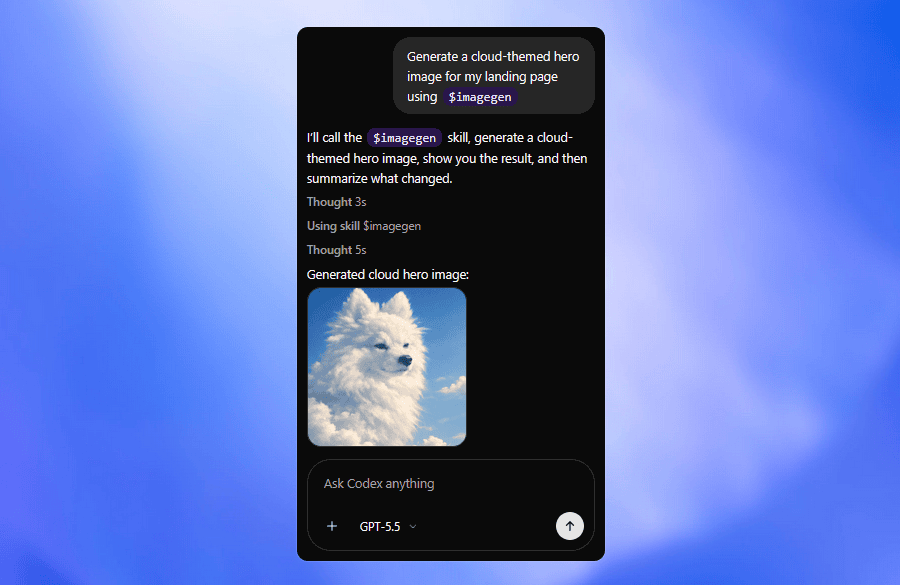
OpenAI has integrated Codex — its autonomous AI coding agent — into the ChatGPT mobile application for iPhone, iPad, and Android, a move that significantly extends the reach of AI-assisted software development beyond desktop environments. The integration allows developers to stay connected to running Codex tasks from anywhere, approve proposed code changes on their phones, start new prompts while away from their primary development machines, and monitor the progress of multi-step coding jobs that Codex handles autonomously across remote laptop, development box, and cloud environments.
From IDE Plugin to Mobile Control Layer
Until now, Codex has primarily operated as a capability accessed through desktop web browsers or integrated development environments. That positioning implicitly treated AI coding as a task that happens when a developer is seated at a workstation and actively engaged. OpenAI’s mobile integration reframes that model significantly. By putting Codex controls into the mobile app, the company is signalling that AI coding agents are evolving into ambient, always-available workflows — running in the background while developers are in meetings, commuting, or away from their desks, awaiting human review at decision points rather than requiring constant attendance.
This shift has practical consequences for how software engineering teams work. A developer can now set a Codex task running at the end of a workday, check progress on their phone during an evening commute, approve a pull request, and have completed code ready when they return to their desk the next morning. The asynchronous nature of agent-driven development, combined with mobile oversight, begins to resemble a delegation model more than a tool-use model.
Why This Matters for the AI Coding Market
The mobile Codex integration arrives in a competitive market for AI coding tools that includes GitHub Copilot, Cursor, and Claude Code, all of which have been expanding their capabilities aggressively. OpenAI’s advantage is distribution: with hundreds of millions of ChatGPT users, embedding Codex into the existing mobile app gives it immediate access to a massive base of developers who already have the application installed. No additional download, account creation, or learning curve is required.
The timing also fits OpenAI’s broader strategic shift toward enterprise deployment. The company launched its OpenAI Deployment Company initiative earlier in May 2026, establishing a dedicated unit focused on helping businesses integrate AI into their actual operational workflows rather than simply providing model access. Mobile Codex is consistent with that thesis: it brings AI coding capability to where developers actually are, rather than where they are expected to be.
Implications for Software Development Culture
The normalisation of AI agents that autonomously execute multi-step coding tasks while developers monitor them intermittently represents a genuinely new working model. It raises questions about review depth, accountability, and the skills developers will need to maintain. As AI handles more of the execution layer of software engineering, the most valuable human contributions shift increasingly toward task specification, architectural judgment, and quality validation — a transition that is accelerating faster than most organisations are prepared for.