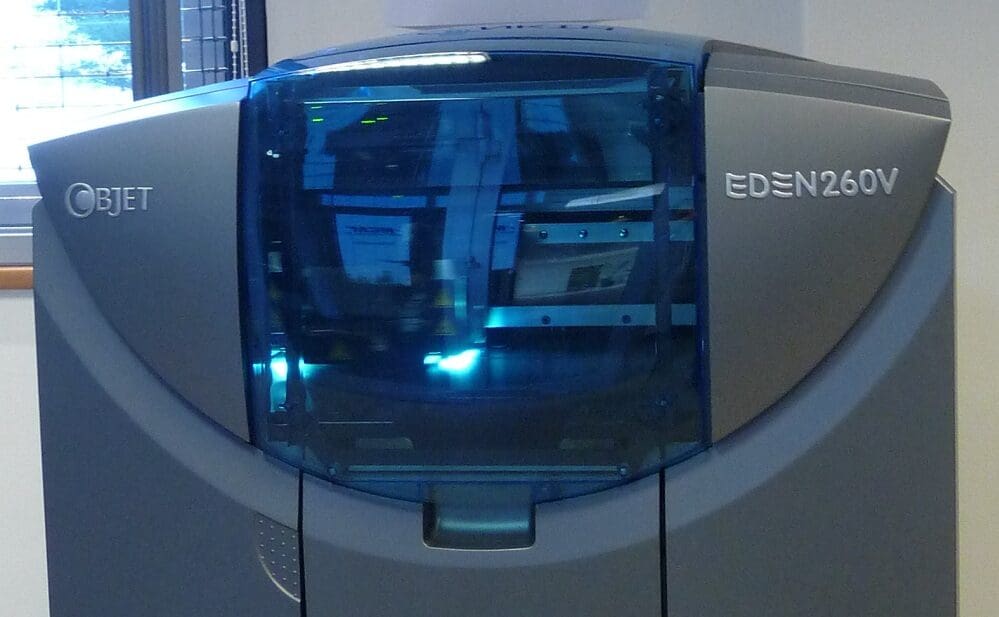
Multi Jet Fusion (MJF) is a revolutionary 3D printing technology developed by HP that offers a significant advancement in the speed and quality of additive manufacturing. Unlike traditional 3D printing methods, MJF uses an inkjet array to apply fusing and detailing agents across a bed of nylon powder, which are then simultaneously fused by heating elements to create high-resolution parts. This technology is particularly noted for its ability to produce functional, durable parts with fine detail and excellent mechanical properties, making it ideal for both prototyping and industrial production. Understanding the key components of an MJF printer is crucial for leveraging its capabilities and maintaining optimal performance.
Core Components of an MJF 3D Printer
1. Powder Bed: The powder bed is where the nylon or polyamide powder is spread before the printing process begins. MJF printers use a fine-grained powder that allows for high-resolution and quality in the final print. The even distribution and smoothness of the powder layer are critical for achieving uniformity in the printed parts.
2. Powder Distribution System: This system ensures a consistent layer of powder is spread over the build area. It typically consists of a counter-rotating roller or a blade that moves across the print bed to distribute powder evenly. The precision of the powder distribution directly influences the quality and consistency of the printed objects.
3. Inkjet Printheads: One of the distinguishing features of MJF technology is its use of inkjet printheads, which are similar to those found in traditional inkjet printers. These printheads apply fusing and detailing agents to the powder. The fusing agent helps the powder particles to coalesce and solidify when heated, while the detailing agent defines the contours of the piece and prevents sintering outside the intended boundaries.
4. Fusing and Detailing Agents: These agents are crucial for the MJF process. The fusing agent promotes the absorption of infrared light, which helps in sintering the powder particles together. The detailing agent, on the other hand, cools the surrounding areas to fine-tune the part edges and improve resolution.
5. Heating Elements: After the agents are applied, heating elements pass over the build area to sinter the powder. These elements emit infrared light that precisely activates the fusing agent, causing the powder particles to bond and form solid structures. The ability to control the intensity and duration of heat application is vital for achieving the desired mechanical properties and accuracy.
6. Temperature Control System: Maintaining the correct temperature within the build chamber is essential for the MJF process. This system ensures that the entire build environment remains at an optimal temperature to facilitate uniform sintering across the print bed. Consistent temperature helps avoid warping and other deformities in the final products.
7. Cooling System: Once the printing process is complete, the parts need to be cooled down before they can be removed and post-processed. MJF printers include a cooling system that carefully reduces the temperature of the build chamber to prevent thermal shock to the components, which could lead to warping or structural weaknesses.
8. Build Chamber: The build chamber in an MJF printer is a sealed environment where the printing process takes place. It is typically designed to maintain a controlled atmosphere, which may be inert to prevent any chemical interactions that could affect the print quality. The design of the chamber also facilitates the efficient management of temperature and the containment of any airborne particles.
9. Control Software: The software that operates an MJF printer is sophisticated, allowing for precise control over the printing process. It interprets the 3D model data and adjusts the printheads to apply the fusing and detailing agents accurately. The software also controls the heating elements and other operational parameters to optimize the print process.
10. Vacuum and Recycling System: To maintain efficiency and sustainability, MJF printers often include a system to vacuum excess powder from the build chamber and recycle it for future use. This system not only reduces waste but also helps in keeping the operational costs down.
Multi Jet Fusion represents a significant leap forward in 3D printing technology, with its ability to produce high-quality, durable parts at relatively high speeds. Each component of an MJF printer is crucial to its operation, from the precision of the inkjet printheads to the effectiveness of the cooling system. By understanding these components, users can better maintain their printers, troubleshoot issues, and optimize their printing processes for the best results. As MJF technology continues to evolve, it is poised to become a staple in industries ranging from automotive to consumer goods, where the demand for rapid, cost-effective, and high-quality production is ever-growing.